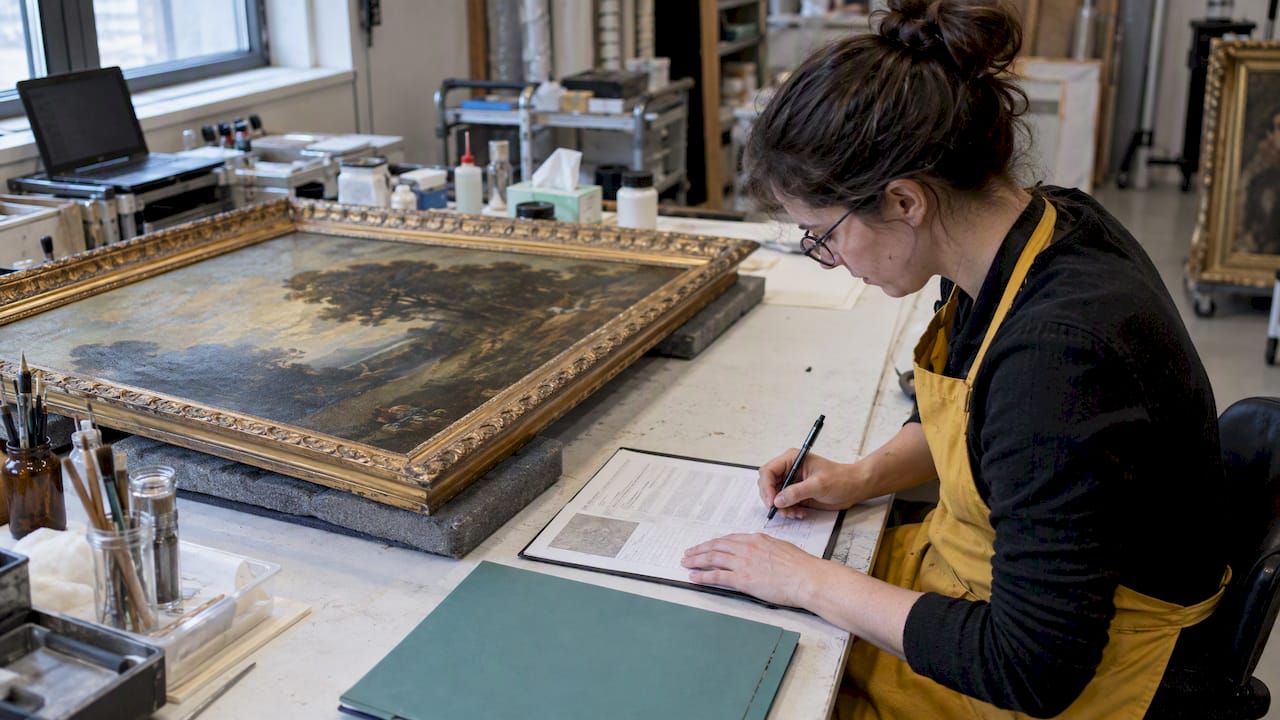

Art inventory barcodes work by giving each artwork a unique ID that points to a record in a database. Scanning the label retrieves the record and, when the piece moves, updates its location. The method suits collections that change hands, rooms or exhibitions often. The label is only the key. The value sits in the record behind it: dimensions, provenance, location, sale or loan status and valuation.
This guide covers how to create the IDs, which labels are safe for artwork, what equipment costs, when a spreadsheet is enough, and how barcodes connect to documentation for sales, loans and insurance.
TL;DR
- A barcode holds a unique ID, not the artwork details. Create the inventory record first, then label the piece with its number.
- Label materials and placement matter more than the barcode format. Use archival tags tied with non-adhesive cotton tape, or place the label next to the object, rather than sticking anything onto the work.
- Scanners and label printers can be expensive. For about 200 pieces or fewer, a spreadsheet or a software record with typed or printed IDs is often enough.
- Barcodes pay off when the record is complete: location history, transactions, valuation and documents.
- Artworksoft keeps artwork, location and transaction data in one structured record, with a free plan to start.
Table of Contents
- What an art inventory barcode does
- Create the record before the label
- Label materials and placement that protect the work
- Equipment: what you need and what it costs
- Can a free barcode inventory system work for art?
- Connecting scans to location, sales and loans
- Our perspective
- Building your system with Artworksoft
- A rollout plan for the first month
- Common mistakes
- FAQ
- Sources
What an art inventory barcode does
A barcode assigns a unique identifier to an item. In a U.S. Forest Service technology overview of bar-code tracking systems, the identifier links the item to its information in a database. Scanning it when the item is moved, shipped, used, disposed of or modified records that event. The same scan can help staff locate items and produce inventory reports.
Applied to art, this solves four practical problems:
- Identification. Titles repeat, series look alike and artists revise names. A number does not.
- Location. A scan at each move shows where a piece is now and where it has been.
- Audit speed. Checking a rack or a storage room against the record takes minutes instead of hours.
- Transcription errors. Typing a long title or accession number invites mistakes. Scanning removes them.
The risk of poor tracking is documented in institutional settings. The University of Edinburgh’s conservation team notes that its art collection is regularly used for teaching, exhibitions and loans, and that frequent moves and outdated locations raise the risk of artworks becoming disassociated or lost. Private collections, galleries and artist studios face the same pattern on a smaller scale: work goes to fairs, consignment, framers and clients, and the paper trail lags behind.
Create the record before the label
The order of operations is the most common point of failure. The Joan Mitchell Foundation’s guidance on establishing an inventory management workflow advises creating the inventory record first, which generates the inventory number (the unique ID), and then labeling the artwork or its housing with that number.
A workable sequence looks like this:
- Choose an ID format. Keep it short, sequential and free of meaning. Avoid encoding the year, medium or artist in the number, because those facts can change or be corrected.
- Create the record. Enter title, artist, date, medium, dimensions, edition details, condition and current location.
- Attach images. One clear photograph of the front, one of the verso, and any signature or inscription.
- Generate the code. Produce a barcode or QR code from the ID.
- Print and apply the label using safe materials (see below).
- Scan to verify. Confirm that the scan opens the right record before the piece moves.
The U.S. Forest Service overview describes the same basic structure: assign a barcode to each item, enter its attributes into a database, then print and attach labels. The same foundation, a studio routine, also appears in the Foundation’s advice that inventory steps should be tied to events such as finishing a new body of work or preparing for an exhibition. Consistency matters more than the tool.
Barcode or QR code?
A linear barcode holds a short string and needs a dedicated or app-based scanner pointed along its length. A QR code holds more data, reads from phone cameras and can open a web address. Either works as an ID carrier. For inventory control, keep the encoded content to the ID only. If a QR code encodes a full web address, a change of website or software breaks every printed label. An ID alone survives a change of system, because the number can be looked up anywhere.

Label materials and placement that protect the work
A label that damages the object defeats the purpose. Two institutional examples show the range of acceptable approaches.
Tags tied with non-adhesive materials. In the University of Edinburgh’s 2025 barcoding project, barcode labels were affixed to artworks using acid-free archival tags attached with un-dyed cotton tape, which preserves the condition of the object. The project also used volunteers for the audit, which shows that the work can be split into simple, repeatable tasks.
Labels placed near, not on, the object. The National Museum of the American Indian, in its 2003 AIC Objects Specialty Group tips on collections moves, found it unnecessary to attach barcodes to objects physically. Staff placed them adjacent to items along the move lines. The same document records the use of Sato thermal transfer printers and synthetic Kimdura labels to produce durable, waterproof barcodes.
Translated into practice for artists, collectors and galleries:
| Situation | Safer approach |
|---|---|
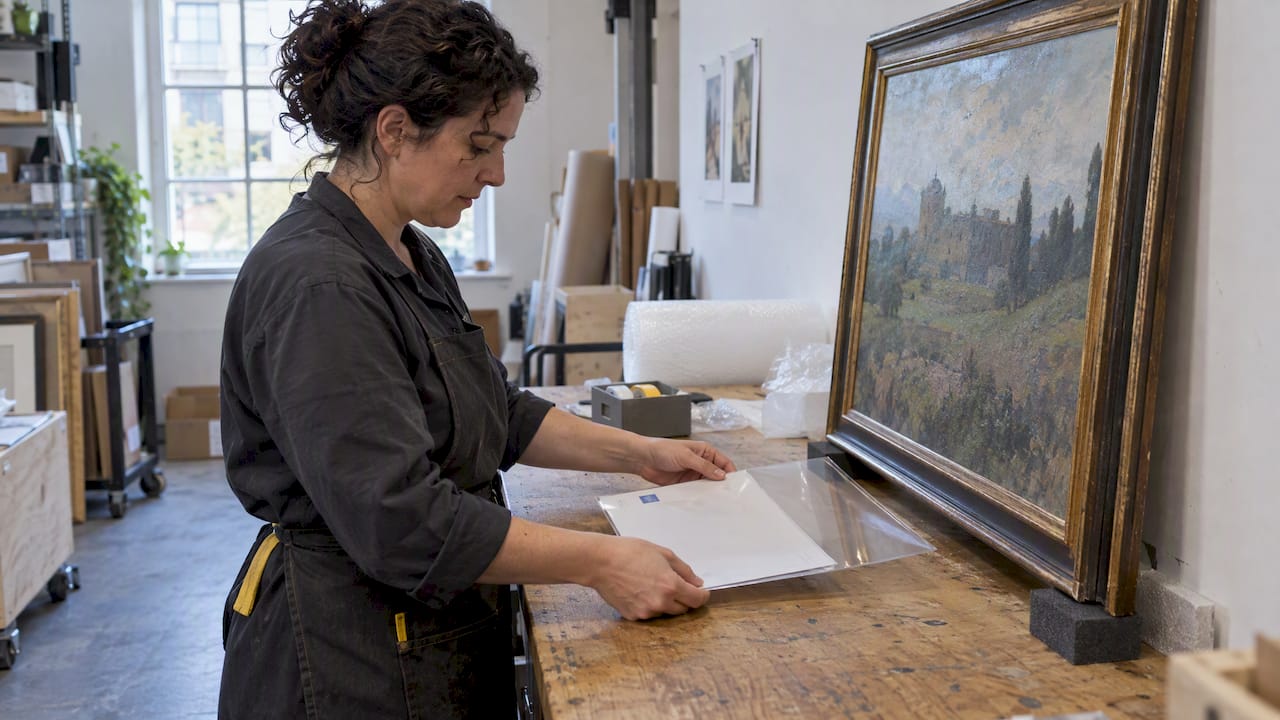
| Framed painting | Label on the frame back or a tag on the hanging hardware, never on the canvas or paper |
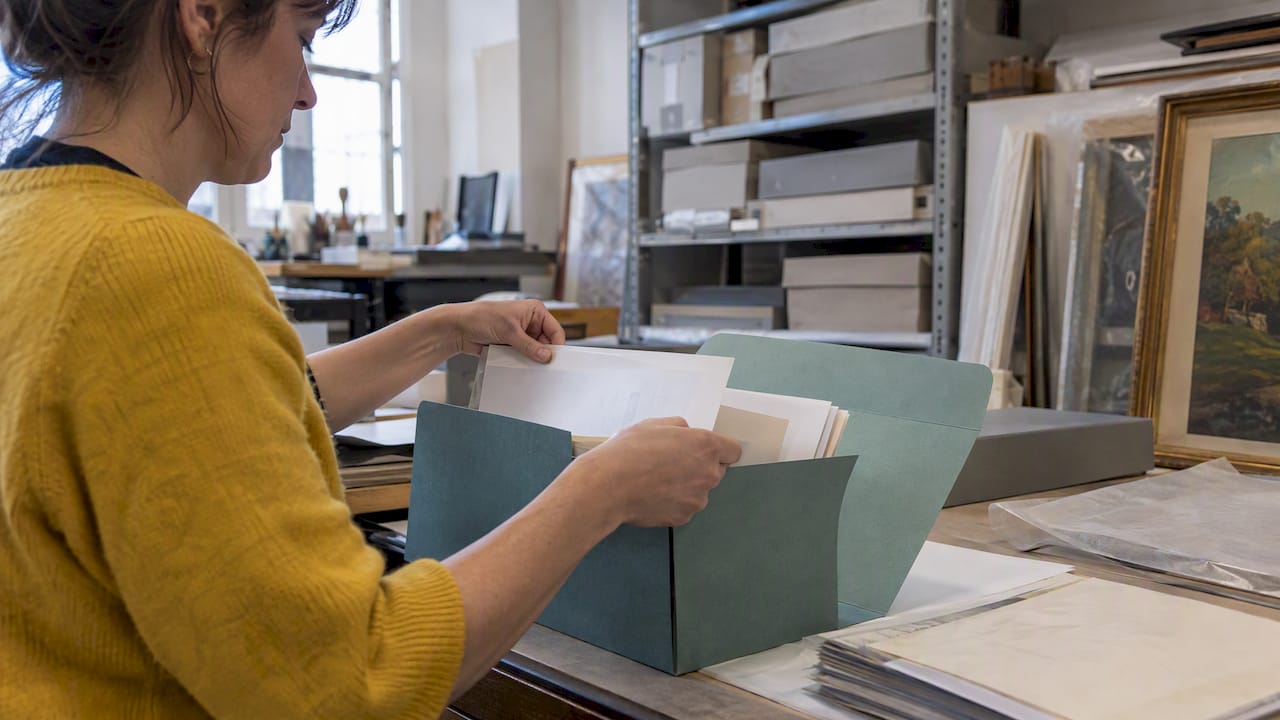
| Unframed work on paper | Label the folder, mat or archival housing, not the sheet |
| Sculpture | Tie an archival tag with cotton tape where it will not abrade the surface |
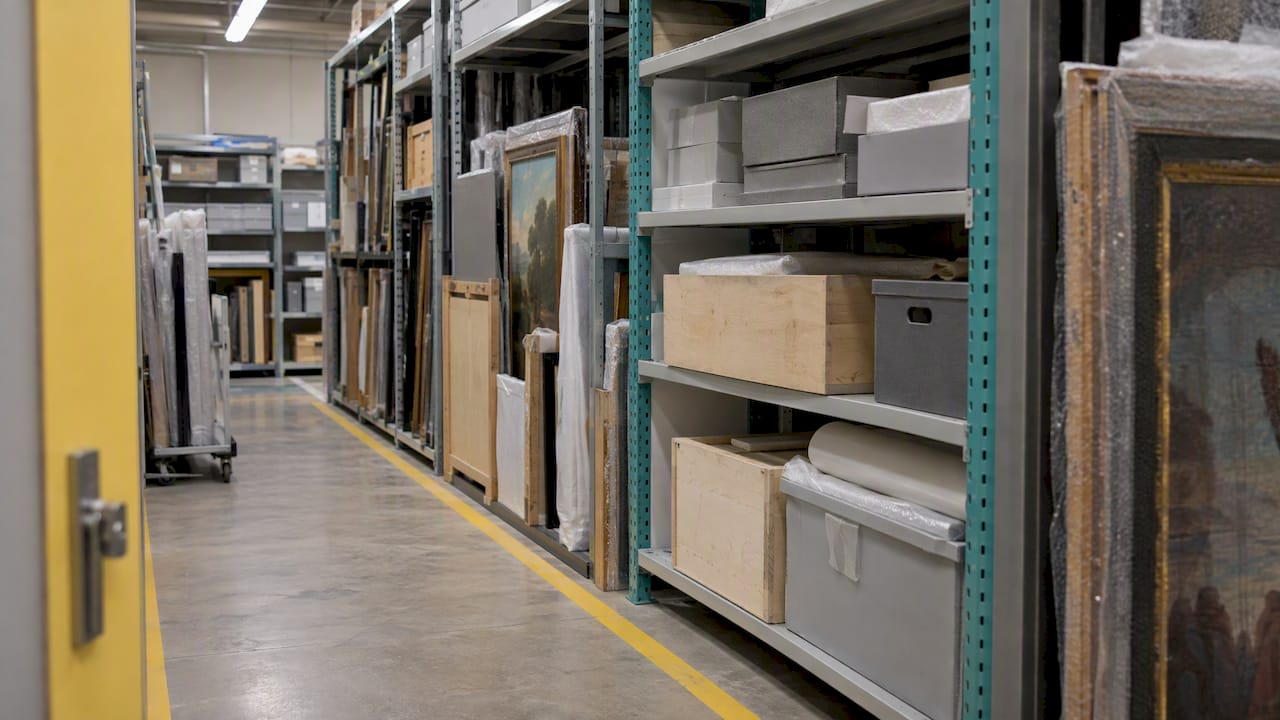
| Works in storage racks | Label the housing or place a label beside the piece, and record the rack position |
| Objects in transit | Label the crate or case, and keep a matching ID on the packing list |
Use printed labels that tolerate handling and moisture, and test a sample before printing a full batch. Do not use pressure-sensitive adhesive labels directly on artwork surfaces, and do not write the ID in a way that cannot be reversed. If a conservator advises on a particular object, follow that advice over any general rule.
Equipment: what you need and what it costs
A barcode setup has three parts: a way to generate codes, a printer for labels, and a reader. A phone camera can serve as the reader and, for QR codes, often as the generator through software.
Dedicated hardware is a different budget. Sunshine Artist’s July 2025 guide to tracking art inventory says artists can use barcode scanners and barcode generation software, that Bluetooth scanners can scan into Square, and that scanners and SKU or barcode printers can cost upwards of $2,500 each. The same article offers a sober view: for inventory of 200 pieces or fewer, the upfront cost of equipment may not be worth it, particularly if you do not sell at multiple outlets.
That guidance fits the artist’s reality. A decision rule:
- Under about 200 pieces, one location: unique ID numbers on archival tags, recorded in a structured database. A phone-based scan is optional.
- Several hundred pieces, frequent moves: a phone or handheld scanner and a label printer begin to save time.
- Thousands of pieces, multiple sites, regular audits: dedicated scanners and durable printed labels are justified, as in museum practice.
Can a free barcode inventory system work for art?
Yes, for a small collection. Free spreadsheet templates exist: Smartsheet’s barcode inventory guide walks through setting up a system in Excel, Google Sheets or Smartsheet and provides starter templates. A spreadsheet with an ID column, a location column and a status column covers the basics.
The limits appear quickly with art:
- General inventory templates track quantity. An artwork is a single item with a history, so fields such as provenance, edition number, exhibition record and valuation have to be added by hand.
- Spreadsheets hold no structured link between an artwork, its location and its transactions. A sale, a loan and a move become three separate edits.
- Documents such as invoices and certificates are created elsewhere and filed separately.
A free plan in purpose-built software removes these limits while keeping the cost at zero. Artworksoft offers a Free Plan for that reason: a collection can be organized in a structured record before any equipment is bought.
Connecting scans to location, sales and loans
The label is the entry point. What makes it useful is what the record can answer.
Locations. The Arctos collection system uses barcodes to track nested containers and locations, from rooms and cabinets to trays and shelves, as described in its object tracking handbook. The handbook states that labels and barcodes are mandatory for object tracking as designed there, and that barcodes are highly recommended for large collections to minimize transcription errors. The University of Alaska Museum of the North applies the same hierarchy, and its barcoding project page describes object tracking that helps staff pinpoint items, reduce errors and track object usage through loan records.
For a gallery or private owner the equivalent hierarchy is simple: building, room, rack or wall, and position. Recording it at each move turns a lost-piece search into a lookup. Where works are held off-site, the storage environment matters as much as the record. Options for museum grade art storage are worth reviewing alongside a location scheme, so that every unit and shelf has a code that matches the database.
Sales and loans. Each scan at handover can record who received the work, when, and under what terms. The result is a history that can be reviewed later. The Forest Service overview notes that information on disposed items can be saved for later reports, and the same logic applies to sold or returned art: the record stays after the object leaves.
Valuation and insurance. Insurers and appraisers ask for identification, images, dimensions, provenance and current value. A record tied to a unique ID can produce that package without a search through folders. Valuation changes with the market, so each figure should carry a date and its basis.

Our perspective
We see the same pattern in collections of every size: the barcode gets the attention, and the record behind it gets neglected. A label that opens an incomplete record only moves the problem faster.
Our view is that an art inventory should be built in this order. First, a complete, structured record for each work. Second, a consistent location scheme. Third, transaction history for sales, loans and movements. Only then does a printed code add speed. Artworksoft was designed around this sequence, connecting artwork, location and transactions in one place, with a structured valuation formula that removes guesswork from pricing.
For artists with a modest body of work, we recommend starting with ID numbers and a clean record, and adding scanning hardware when the volume justifies it. For galleries, consultants, hotels, law firms and insurers that hold art for others, the priority is audit-ready documentation: who held which piece, where, and under what terms.
— Nealda
Building your system with Artworksoft
Artworksoft is cloud-based art collection management software for artists, collectors, galleries and art businesses. It covers artwork organization, provenance tracking, movement and location tracking, sales and loan transaction management, AI-assisted valuation, analytics dashboards and PDF documents such as Certificates of Authenticity, invoices and reports.
- The Free Plan lets you set up your inventory and test the structure.
- The Provenance Plan starts from $5 per month, on the pricing page.
- For larger or inherited collections, onboarding and collection management services are available to help organize records. Pricing for these services is not published.
A rollout plan for the first month
A staged rollout avoids label waste and relabeling.
- Week 1: define. Pick the ID format, the location hierarchy and the minimum fields every record must have.
- Week 2: record. Enter records for current, high-value and frequently moving pieces first. Photograph each.
- Week 3: label. Print a small test batch. Check adhesion on the label stock, not the artwork, and confirm every scan opens the correct record.
- Week 4: audit. Walk every location with the list and reconcile. Fix mismatches before extending to the rest of the collection.
Then make scanning part of every event: a piece leaves for a fair, goes to a framer, is sold, is loaned, returns. If a move is not recorded the same day, the system degrades.
Common mistakes
- Encoding details in the ID. Corrections then require relabeling.
- Labeling before creating the record. This produces duplicate or orphan numbers.
- Using adhesive on the work. Use tags, housing or adjacent placement.
- Buying hardware first. Volume should justify the equipment.
- Skipping the audit. A barcode system that is never reconciled gives false confidence.
FAQ
How do I create barcodes for my art inventory?
Create an inventory record for each artwork first, which gives you a unique ID. Then generate a barcode or QR code from that ID with label software, print it on durable stock and attach it to the housing or an archival tag. Scan it once to confirm it opens the right record.
Where should I put a barcode label on a painting or sculpture?
Not on the artwork surface. Use the back of a frame, the housing, or an acid-free tag tied with cotton tape, as one university collection project did. A museum collections move placed barcodes next to objects instead of on them. For a specific object, ask a conservator.
Is a free barcode inventory system enough for an art collection?
For a small, stable collection, a spreadsheet template can work. It will not link locations, sales, loans and documents on its own. A free plan in art-specific software offers more structure at no cost.
Do I need a barcode scanner for fewer than 200 artworks?
Usually not. Sunshine Artist’s 2025 guidance says equipment costs may not be worth it at that size, particularly if you sell through a single outlet. Unique ID numbers and a well-kept record deliver most of the benefit.
Sources
- U.S. Forest Service: Bar-Code Tracking Systems Overview
- University of Edinburgh: Art Collection Barcoding Project
- Joan Mitchell Foundation: Establishing an Inventory Management Workflow
- AIC Objects Specialty Group: Tips from the National Museum of the American Indian
- Sunshine Artist: Track Your Inventory
- Arctos: How To Start Object Tracking
- University of Alaska Museum of the North: Barcoding
- Smartsheet: Barcode Inventory System Guide
- Museum Grade Art Storage Units