Finding art inventory management software that covers cataloging, valuation, provenance tracking, and sales without repeated manual entry is difficult. Many solutions restrict advanced features to premium plans, lack integrated reporting, or require manual exports for insurance and sales documentation. This comparison covers pricing, automation, and documentation features across five art inventory platforms so galleries and institutions can select a system that supports all key workflows.
Table of Contents
- Artworksoft
- Artwork Archive
- Art Galleria
- ARTERNAL
- Masterpiece Manager
- Comparison of alternatives
- Comparison of alternatives
Artworksoft
At a Glance
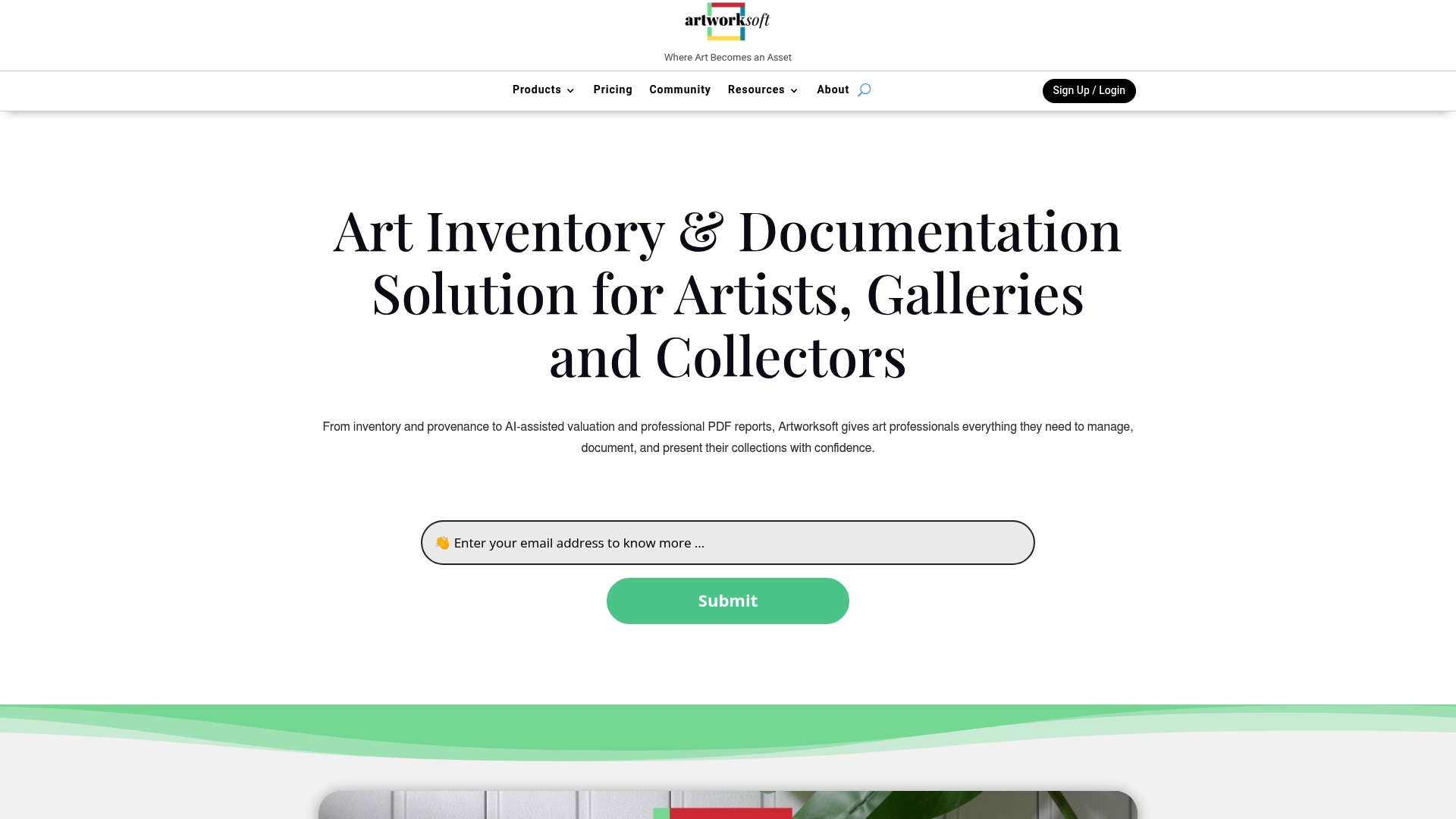
A structured valuation formula removes guesswork from pricing artworks. That formula pairs with exportable professional reports for insurance, sale, and loan documentation.
The platform combines inventory records with movement tracking, provenance files, and transaction logs to keep each object auditable.
Core Features
Artworksoft centralizes artwork profiles, location histories, and transaction records so galleries and collectors can see an object’s full lifecycle in one place. The platform includes AI assisted valuation and exportable PDF reports for valuations and condition documentation, plus customizable Certificates of Authenticity and condition reports for formal provenance and client delivery.
Users can also log loans, transfers, and sales while keeping structured provenance and movement histories tied to each record.
Key Differentiator
Combines inventory, documentation, AI based valuation, and professional reporting in a single integrated platform. This removes the need to juggle separate tools for cataloging, pricing, and paperwork.
Because the system links valuation outputs directly to inventory records and provenance files, galleries can produce a sale package and insurance packet without switching apps.
Pros
Artworksoft groups inventory, valuation, provenance, and transaction workflows so teams spend less time reconciling records across spreadsheets and PDF folders. The platform’s reporting features improve presentation quality for collectors and insurers by producing ready to share PDFs and certificates tied to each object.
AI assisted valuation helps form starting prices and valuation notes, which speeds pricing discussions for consignments and sales. Integrated movement tracking reduces missing paperwork when works travel between locations.
Cons
- The platform’s extensive features create a learning curve for new users, particularly staff who have relied on spreadsheets and separate reporting tools.
Who It’s For
Artists, gallery owners, collectors, institutions, and consultants who need a single system for cataloging, valuation, provenance, and transaction records. It fits teams that produce formal documentation for insurance or sales and those that track loans and movements across locations.
Smaller solo artists will benefit from the documentation tools, while larger galleries will use the reporting and movement logs for operational control.
Unique Value Proposition
The platform’s structured valuation formula produces repeatable pricing outputs that integrate directly with catalog records. That connection reduces manual entry and creates a traceable pricing rationale for valuations used in sales and insurance.
For organizations that must defend a price to insurers or buyers, the linked valuation plus exportable reports shortens the time to produce formal documentation and provenance packages.
Real World Use Case
A mid sized gallery catalogs a new intake and runs valuation reports to set reserve prices for an upcoming sale. The gallery attaches condition reports and Certificates of Authenticity to each listing and logs outgoing loans to a museum.
When an insurer requests valuation backup, the gallery exports the PDF reports and provenance history from the same record without extra reconciliation work.
Pricing
Pricing is not specified publicly and appears to vary by plan and usage. Prospective buyers should request a demo and a quote tailored to their inventory size and feature needs.
Artworksoft commonly evaluates scope for galleries and institutions before proposing a plan, so contact the sales team for an estimate.
Website: https://artworksoft.com
Artwork Archive
At a Glance
Artwork Archive generates QR codes for artworks to simplify labeling and quick access during exhibitions. The system combines inventory cataloging with sales tracking and exhibition management. This mix makes it practical for artists and institutions that need catalog control and public presentation tools.
Core Features
The platform offers art inventory management and detailed cataloging, plus exhibition and loan tracking that records status and movement. Sales and invoicing features sit alongside private online collections and public artist profiles for controlled sharing. It also supports document uploads for certificates and provenance, produces detailed reports, and provides reminders for deadlines.
Key Differentiator
This product was designed by artists and arts professionals to mirror real creative workflows. That orientation shows in features such as gallery ready reporting and QR code labeling for physical works. The design focus makes common art world tasks easier to set up and maintain.
Pros
The interface stays accessible for artists and small studios while offering plan options that scale to institutional needs. Built in reporting and sales records reduce spreadsheet work and help prepare exhibition or loan documentation. Onboarding materials including webinars and tutorials help teams adopt the system faster.
Cons
- Pricing can be a barrier for very small artists or hobbyists because the offering uses a subscription based model.
- Integrations outside website embed options are limited, which may force manual exports for some workflows.
- Advanced customization often requires higher tier plans, increasing cost for institutions that need specific fields or reports.
When It May Not Fit
Artists with only a handful of works and no budget for recurring fees will find the subscription model unsuitable. Teams that require a broad marketplace of third party app connectors will find integrations narrow. Organizations needing deep API driven automation should verify available export and embed options first.
Notable Integrations
Artwork Archive connects directly to WordPress and SquareSpace, and it offers web embed options for galleries or personal sites. These connections let artists publish catalog pages and sales information on external sites. No additional third party app marketplace is listed in the available feature set.
Who It’s For
The product fits artists, collectors, galleries, and museums that need a focused art inventory and sales record system. It suits users who value catalog accuracy, provenance tracking, and public presentation tools. Institutions needing simple exhibition and loan tracking will find the workflow oriented to art world requirements.
Real World Use Case
A mid career artist organizes a portfolio, logs provenance documents, and generates invoices for collectors using the platform. A small museum tracks incoming and outgoing loans, attaches condition reports, and builds visibility reports for upcoming exhibits. Both use the reporting features to prepare catalogs and share secure online views.
Pricing
Pricing details are listed on the vendor pricing page and vary by plan and collection size. The company provides tiered plans aimed at individuals and institutions with different storage and feature needs. Prospective buyers should review plan comparisons to match features to collection scale.
Website: https://artworkarchive.com
Art Galleria
At a Glance
Automatic website synchronization with SquareSpace, WordPress, Shopify, and WIX keeps listed artworks current across public sites. The platform includes private online viewing rooms and PDF catalogs for exhibition and marketing use. Mobile apps and Apple TV support help present inventory in person or remotely.
Core Features
Inventory management stores unlimited records with high resolution images and custom fields for certificates and QR codes. Website synchronization updates external sites automatically while private viewing rooms and PDF catalogs support exhibition promotion. Sales tools handle invoices, payments, offer tracking, multi currency support, and international sales paperwork.
Key Differentiator
Built specifically for galleries, artists, archivists, and collectors, the platform bundles inventory, sales, marketing, and website management. That single industry focus reduces the number of separate tools needed to keep a catalog current and sale ready. Mobile presentation features and role based access aim to support both client facing and back office workflows.
Pros
The product combines inventory management, sales processing, and marketing assets into one account, which speeds common gallery workflows. Mobile apps and Apple TV support make client presentations easier, and private online viewing rooms simplify remote viewings. Integrations with QuickBooks and Xero plus web platforms let galleries keep accounting and websites synchronized with inventory.
Cons
-
Complexity may overwhelm very small or single user operations seeking a simple catalog.
-
Pricing varies by plan and custom services, and costs can rise for larger organizations.
-
Advanced features such as bespoke integrations or website design often require vendor support or additional development work.
When It May Not Fit
Small scale hobbyists who need only a minimal catalog will find the platform more complex than required. Shops on tight budgets may face higher costs once custom integrations or bespoke website work are added. Teams with in house developers wanting a lightweight API first tool should check the integration depth before committing.
Notable Integrations
Connections cover web builders, ecommerce, accounting, and email marketing platforms.
- SquareSpace
- WIX
- WordPress
- WooCommerce
- Shopify
- QuickBooks
- Xero
- MailChimp
Who It’s For
Galleries, artists, archivists, and collectors who require combined inventory, sales, and website tools will get the most value. Institutions that manage exhibitions and private client viewings benefit from the viewing room and PDF catalog features. Organizations with accounting needs gain from the QuickBooks and Xero connections.
Real World Use Case
A contemporary gallery uses Art Galleria to catalog new acquisitions, attach high resolution images, and print certificates of authenticity. They host private online viewing rooms for collectors and track offers through the built in sales tools. Website synchronization keeps public listings current while invoicing and payment processing record the sale.
Pricing
Plans start at $20 per month for an artist starter plan and $65 per month for a gallery starter plan. Higher tiers include unlimited access and additional features for larger collections or multi user teams. Custom services and bespoke website work are priced separately.
Website: https://artgalleria.com
ARTERNAL
At a Glance
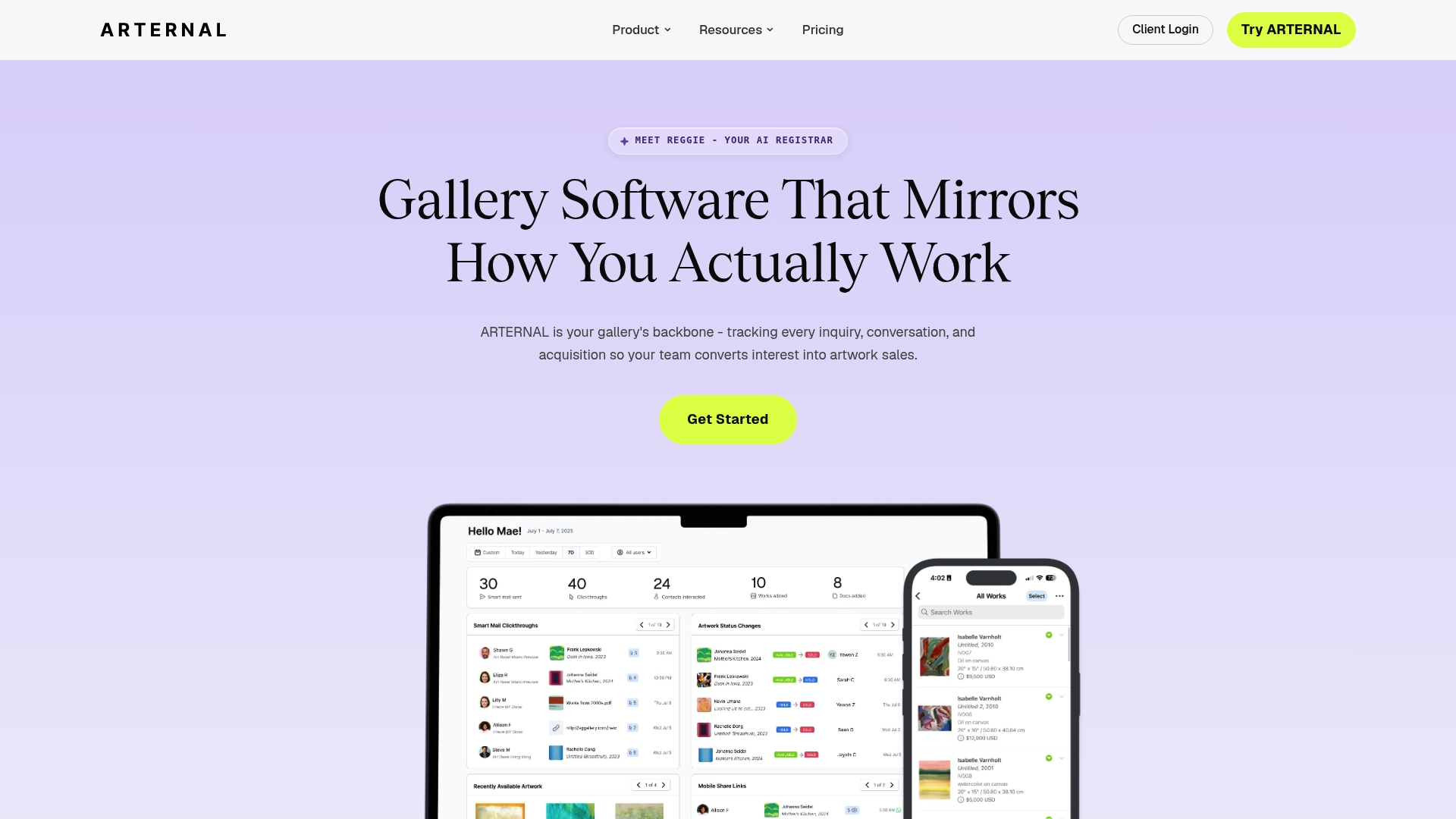
Reggie, ARTERNAL’s AI registrar, is coming soon to automate artwork intake, shipping, and consignments. The vendor lists plan entry points starting at $95 per user/month, with a Principal plan at $195 per user/month. The product emphasizes real-time sale pipelines, mobile access, and consolidated gallery operations.
Core Features
ARTERNAL combines a CRM for collector relationship management with inventory controls that track artworks, consignments, and locations. It offers online viewing rooms with exhibition analytics, invoice creation paired with integrated payments, and detailed reporting for business decisions. The platform also supports custom website building, mobile access, and AI features slated for future release.
Key Differentiator
ARTERNAL targets galleries with a workflow built around real-time sales and relationship management, rather than a generic CRM adapted for art. The system groups inventory, client records, and financials so teams see the sales pipeline in one place. ARTERNAL’s roadmap centers on AI assistance for registrar tasks, which aims to reduce manual intake and shipping errors. That focus on gallery-specific processes separates it from general business tools.
Pros
The platform consolidates sales, client records, inventory, and online exhibitions into a single platform, reducing the need to switch between tools. Vendor support includes migration help and dedicated account management, which matters for galleries moving from spreadsheets or legacy systems. A mobile app and detailed analytics help teams manage outreach and measure exhibition performance.
Cons
-
Pricing can be prohibitive for very small galleries or sole proprietors.
-
Advanced features such as custom websites and AI capabilities are often limited to premium plans.
-
Migration from existing systems can become complex depending on data quality and structure.
When It May Not Fit
Galleries with minimal monthly revenue or solo operators will likely find the entry price too high. Organizations that only need a basic catalog and occasional invoicing will pay for capabilities they do not use. Teams with poorly organized legacy data should budget for a longer migration project. Firms that require a free or very low cost tool should consider simpler alternatives.
Notable Integrations
-
Gmail
-
Outlook
-
QuickBooks
-
Stripe
-
Mailchimp
-
WhatsApp
-
TaxJar
Who It’s For
Small to medium galleries, auction houses, and advisories seeking a gallery-focused sales and relationship system. Teams that plan to centralize inventory, client outreach, and financial workflows will benefit. Organizations that value vendor support for migration and account management will find ARTERNAL a practical option.
Real World Use Case
A contemporary gallery tracks artworks and location changes inside the system and logs consignment details. The gallery uses the CRM to send personalized outreach and to record buyer preferences. It hosts online viewing rooms for international clients and processes invoices through integrated payments to close sales faster.
Pricing
Most plans start at $95 per user/month, with the Principal plan at $195 per user/month. Custom enterprise plans are also available for larger operations.
Website: https://arternal.com
Masterpiece Manager

At a Glance
Masterpiece Manager reports more than 1,400 galleries worldwide. The platform combines sales, inventory, website updates, and online auctions in a single cloud service accessible from any device. It also includes email marketing and vendor support options for gallery operations.
Core Features
Inventory and consignment tools let galleries catalog works, track provenance, and record movement between locations. Contact management pairs client records with sales history and invoice handling through a built in point of sale. Website synchronization, online sales integration, and auction features connect gallery listings to public web pages while secure cloud hosting enables access from Mac, PC, and mobile devices.
Key Differentiator
The vendor advertises that Masterpiece Manager is the only gallery management solution that integrates sales, inventory, website updates, and online auctions in one cloud based product. That single product approach reduces the need to copy data between separate systems. For galleries that want website driven sales and auction tools inside the same system, this is the key design choice.
Pros
The interface is easy to use for gallery staff with mixed technical skills, which lowers training time for front desk and sales teams. Cloud access from any internet connected device lets staff update inventory and process sales from the gallery floor or off site. Regular updates and unlimited customer support are included, and the available plans scale from small artist operations to museum sized accounts at different price points.
Cons
- Some buyers report a learning curve for advanced features and auction setup.
- Integration options beyond basic website syncing and email marketing are limited.
- Customization for highly specific or complex gallery workflows may be restricted.
When It May Not Fit
Large enterprise galleries that require deep workflow customization or extensive third party integrations will likely find limitations. Organizations needing a highly configurable permissions model or bespoke API connections may hit the platform ceiling. Galleries that already run a separate enterprise resource planning system for finances may prefer a solution with broader integration support.
Who It’s For
Small to medium sized art galleries and art related businesses that want a single product for inventory, sales, website updates, and basic marketing will find this appropriate. It fits teams that prioritize an easy to use interface and included support over building a bespoke technical stack. Independent galleries running online auctions alongside regular sales are a natural fit.
Real World Use Case
A mid sized gallery uses Masterpiece Manager to log incoming consignments, update online listings when works sell, and generate invoices at the point of sale. The gallery runs email campaigns to collectors announcing new exhibitions, and hosts occasional online auctions without moving data between systems. Staff access the system from tablets during openings and from office desktops for reporting.
Pricing
Masterpiece Manager offers tiered subscriptions with named plans. Pricing starts at Artist $39/month, moves to Collector $89/month, then Gallery $169/month, and Museum $299/month. Additional setup fees and optional extras such as advanced website features and auction modules may apply.
Website: https://masterpiecemanager.com
Comparison of alternatives
Competitor eligibility:
- Excluded products (discontinued / inaccessible / under construction): None
- Usable competitors remaining: Artwork Archive, Art Galleria, ARTERNAL, Masterpiece Manager
Intro pre-write:
- Does artworksoft.com clearly outpace every usable competitor on a single dimension? Yes
- If YES: dimension where artworksoft.com wins — Integrated valuation and provenance documentation in one unified platform
- First sentence draft: Artworksoft.com stands out by combining valuation tools with provenance documentation, creating efficiencies by competitors.
Competitor win pre-write:
- Which competitor wins which dimension: Artwork Archive wins ease of onboarding and artist-focused accessibility because of its tutorials and interface designed for small to mid-sized studios.
- Does this dimension matter to the primary reader? Yes
Best Fit uniqueness check:
- List each bullet scenario in one clause: Large galleries and consultants needing detailed valuation histories / Artists and small studios requiring intuitive onboarding and exhibition management tools / Galleries requiring synchronization between inventory and online storefronts / Institutions searching for accessible and scalable auction functionalities
- Can any two be swapped without changing meaning? No
Our Pick pre-write:
- The ONE capability unique to artworksoft.com in this set: Integrated valuation linked directly to inventory and provenance records
- Evidence from the reviews: Combines inventory records with valuation for sales and insurance documentation.
- Closing sentence draft: Artworksoft.com is the choice for galleries and collectors aiming to streamline operations with integrated valuation and provenance in one system.
- Substitution test: Artwork Archive is the choice for galleries and collectors aiming to streamline operations with intuitive onboarding and exhibition tools.
- Does the substituted version still work as a recommendation? No
- If YES: rewritten closing sentence: Not needed as the test result was No
Comparative Analysis Markdown
Comparison of alternatives
Artworksoft.com stands out by combining valuation tools with provenance documentation, creating efficiencies by competitors. However, other platforms excel in features such as onboarding support, exhibition-focused tools, and auction capabilities.
Onboarding and Accessibility
Artwork Archive offers advantages for small studios and artist-focused onboarding, as demonstrated by its user-friendly interface and tutorials that simplify adoption of inventory and documentation workflows. Teams new to digital systems may prefer this platform’s accessible approach.
Customization for Sales and Exhibitions
Art Galleria provides strong support for galleries needing synchronization between inventory management and external storefronts, integrating tools such as website updates and payment processing. These features enhance public-facing operations.
Best fit
- Galleries requiring detailed valuation histories for insurance, sales, or loan documentation favor Artworksoft.com for its structured approach to pricing and documentation.
- Artists seeking intuitive management tools and onboarding materials may benefit from Artwork Archive’s accessible interface and tutorials.
- Galleries demanding integration between inventory tracking and external storefront synchronization will find Art Galleria most valuable for its website tools.
- Institutions looking for scalable platforms with auction capabilities can explore Masterpiece Manager for broad functionality across art sales workflows.
Our pick
Artworksoft.com is the choice for galleries and collectors aiming to streamline operations with integrated valuation and provenance in one system. However, for organizations prioritizing onboarding simplicity or auction expansion, other platforms may provide more tailored options.
Determining the best art inventory management software depends on your need for features such as valuation tools, integration options, and pricing scalability.
| Product | Core Features | Best For | Pricing | Notable Limitation |
|---|---|---|---|---|
| Artworksoft | AI valuation, provenance & transaction tracking, PDF tools | Galleries requiring robust reporting | Price not published | Learning curve for users new to integrated tools |
| Artwork Archive | Catalog & sales tracking, QR codes, online profiles | Artists and small studios | Price not published | Subscription costs are challenging for smaller operations |
| Art Galleria | Inventory & marketing tools, mobile apps, site integration | Galleries needing wide integrations | Starts at $20/month | Complexity for solo operations |
| ARTERNAL | CRM, AI tools, mobile access | Small/medium galleries focused on CRM | Starts at $95/user/month | Premium features limited to higher-tier plans |
| Masterpiece Manager | Inventory, sales, auctions, email marketing | Galleries running online auctions | Starts at $39/month | Limited third-party integration support |
Challenges Artlogic.com Alternatives Must Address for Art Management
The search for artlogic.com alternatives often highlights the need for a platform that offers clear valuation methods and detailed artwork tracking. Galleries, collectors, and emerging artists struggle with inconsistent pricing and fragmented documentation, which complicates sales and insurance processes. Artworksoft responds directly to these issues with a structured pricing formula that produces consistent valuations alongside exportable certificates and provenance records.
Artworksoft connects artwork inventory, locations, and transactions in a single system. Its professional reporting features simplify documentation for sales and insurance purposes while recording artwork movements to prevent gaps in records. This approach helps art businesses maintain reliable portfolios and improve client confidence.
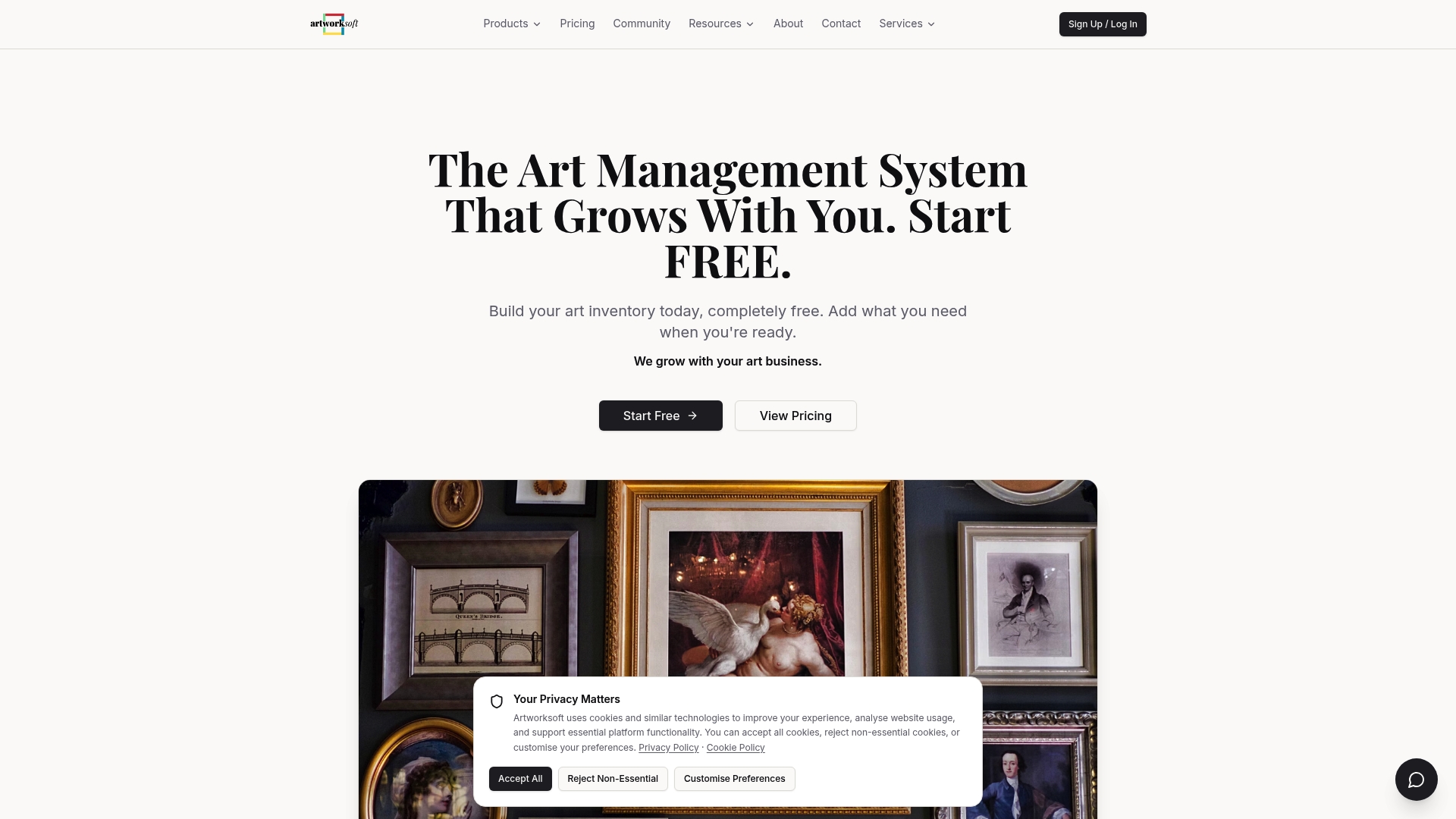
Visit the Art Management Blog – Art Management & Inventory System to explore how Artworksoft aligns with the demanding needs of galleries and collectors. Explore https://artworksoft.com to request a demo, and test valuation reports and certificates tailored to your collection size.
FAQ
How does Artworksoft assist with artwork valuation?
Artworksoft uses a structured valuation formula to provide precise pricing outputs. This feature allows galleries and collectors to produce reports for insurance and sales documentation efficiently. Expect reliable valuation insights that make pricing discussions more straightforward.
What is the difference between Artworksoft and Artwork Archive?
Artwork Archive generates QR codes for artworks, simplifying labeling during exhibitions. Artworksoft, on the other hand, focuses on combining inventory management with professional reporting and AI-assisted valuation. If your primary need is detailed documentation for sales and insurance, Artworksoft is the better option.
Which platform offers customizable Certificates of Authenticity?
Artworksoft includes customizable Certificates of Authenticity, enhancing formal provenance during sales and transactions. This feature caters to the specific requirements of galleries and collectors needing formal documentation. Expect a streamlined process for producing these certificates directly linked to your inventory.
Can I track artwork movements effectively with Artworksoft?
Artworksoft provides integrated movement tracking that helps reduce missing paperwork when artworks travel between locations. This capability ensures each object’s provenance and transaction history remains clear and auditable, making it suitable for galleries that frequently loan or transfer artworks.
Does Artworksoft offer professional reports for sales documentation?
Artworksoft enables users to export professional PDF reports for valuations and condition documentation. This feature simplifies client interactions and supports formal reporting needs during sales processes. Anticipate efficient preparation for insurance and sales documentation with minimal effort.