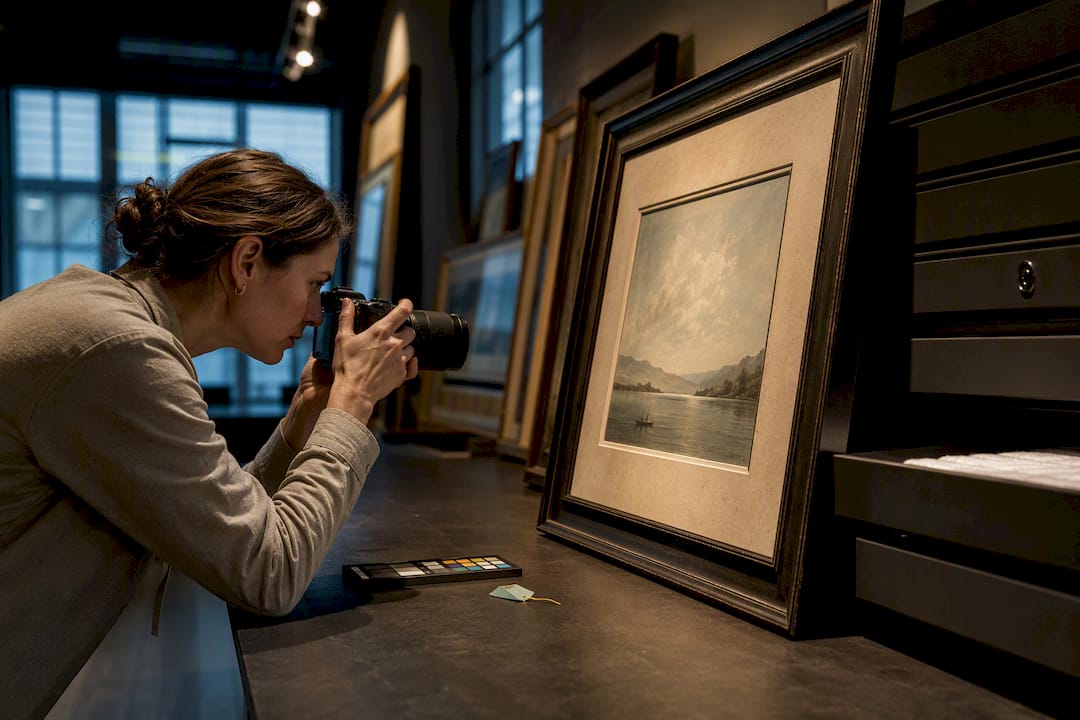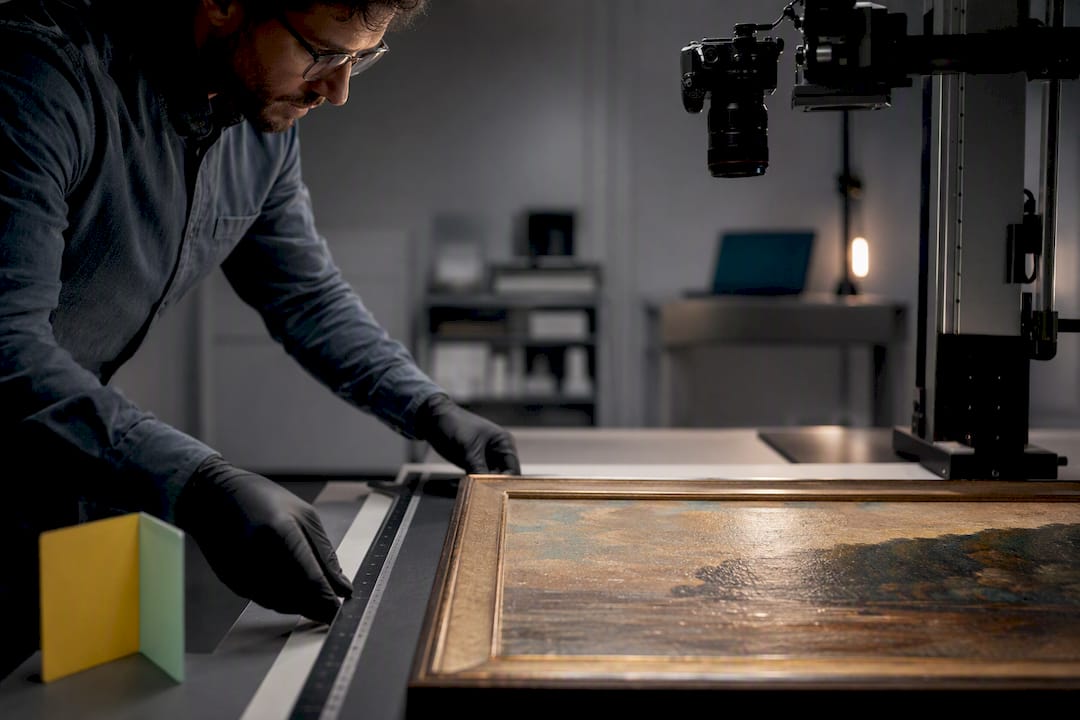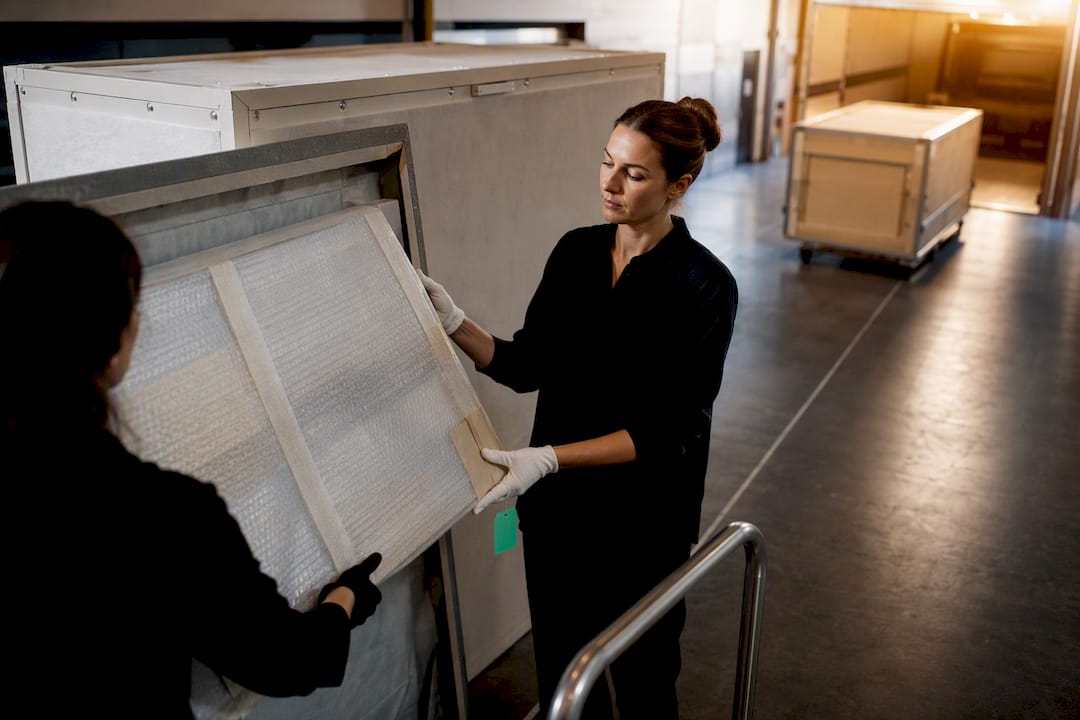
The best approach to multi-location art inventory is a centralized system that models every location type: permanent, temporary, and in transit, and logs movement metadata for each event. Standards like those outlined by the Joan Mitchell Foundation emphasize updating location status the moment it changes, not on a delayed schedule. A platform such as Artworksoft applies this logic directly, tying documents and condition reports to each movement rather than treating location as a static field. What follows covers workflow, required features, transit handling, documentation, and rollout.
TL;DR:
- A centralized system must model all location types and log movement metadata, updating location status immediately at each change to prevent delays.
- Support for full location history, detailed movement records, and role-based permissions is essential to handle complex multi-site collections effectively.
- Transit should be treated as its own auditable status with specific metadata, photos, and hardware tracking for high-value works to avoid loss and damage during transport.
- Documentation and provenance must be attached to each movement event with timestamped acknowledgments to ensure provenance integrity.
- A phased implementation starting with mapping existing locations, testing with complex pieces, and scheduling audits minimizes disruptions during deployment.
Table of Contents
- How Do You Set Up a Workflow for Multi-Location Art Tracking?
- What Software Features Actually Matter for Distributed Collections?
- How Should You Track Artwork in Transit?
- How Do You Tie Documentation and Provenance to Location Records?
- What’s the Rollout Sequence for Implementing This System?
- How Artworksoft Applies This to Real Collections
- What Actually Breaks in Multi-Location Tracking
- Where Artworksoft Fits Into Your Rollout
- Sources
- FAQ
How Do You Set Up a Workflow for Multi-Location Art Tracking?
A workflow only holds up if it accounts for every place an artwork can legitimately be, not just where it usually sits. That means modeling four location categories in your inventory management system: permanent (a gallery wall, a storage vault), temporary (a fair booth, a consignment space), in transit (a status of its own, not a gap between two records), and on loan (a separate category from temporary storage, since ownership terms differ).
Getting this right depends less on the software and more on who owns which step.
- Assign a registrar or collection manager as the single point of accountability for confirming location changes before they’re marked final.
- Name a site contact for every physical location so approvals and inspection requests route to a real person, not a general inbox.
- Designate a transporter or handler responsible for condition verification at pickup and delivery.
- Set update triggers: any physical move, ownership change, or condition event updates the record immediately; routine presence gets confirmed during scheduled audits instead.
Attaching contacts to locations, an approach Artcall builds directly into its location records, removes the manual lookup that slows down approvals when a work needs to move on short notice.
What Software Features Actually Matter for Distributed Collections?
Most art inventory solutions handle a single studio or gallery well. Multi-site collections expose the gaps fast. Before committing to any platform, confirm it supports the following:
- A location model with full history, not just a current address field. This includes clear transit status and support for temporary placements.
- Movement metadata: carrier name, crate ID, expected arrival, and an audit log that timestamps every change.
- Role-based permissions so a site contact can update condition notes without touching valuation or ownership records.
- Condition reporting and provenance tracking with photo attachments tied to specific events, not a generic file folder.
- Batch import and export for onboarding an existing spreadsheet, plus mobile capture for registrars working on-site.
- Location-level reporting that shows what’s currently at each site and what has passed through it historically.
Pro Tip: Test any candidate system with your five most complicated pieces first, the ones on loan, mid consignment, or split across a shared exhibition, before importing the full collection. If the software handles those cleanly, it will handle everything simpler.
How Should You Track Artwork in Transit?
Transit is where most art inventory tracking breaks down. A single “current location” field can’t represent a truck somewhere between a warehouse and a gallery, so treat transit as its own auditable status rather than a blank space between two known points.
At minimum, a transit record needs:
- Carrier name and contact information
- Crate or shipment ID
- Pickup date and expected arrival window
- Handler or courier contact
- Condition photos taken at both pickup and delivery, with sign-off from each side
Industry guidance on avoiding shipping mishaps points to the same failure pattern repeatedly: works go quiet the moment they leave a building because no one logged the handoff. That gap, often called the transit “black hole,” is exactly what structured transit metadata is meant to close. For high-value pieces, hardware trackers like the Teltonika ATx700 series add periodic location reports and geofencing, catching deviations from an expected route before they become a loss. Most damage and loss incidents happen during handling and transit, which is exactly why this stage deserves more process than any other. Document exceptions when they happen instead of noting them after the fact.
How Do You Tie Documentation and Provenance to Location Records?
Provenance only holds up under scrutiny if it’s timestamped and tied to specific movement events, not stored as a loose collection of PDFs; for best practices, see exclusive tee authentication best practices that work for broader provenance insights.
- Attach every document to both the artwork and the movement event: Certificates of Authenticity, invoices, loan agreements, and condition reports should reference the specific transfer they belong to.
- Require timestamped acknowledgment at both origin and destination for loans and consignments, so there’s a clear record of who confirmed receipt and when.
- Standardize condition report templates with mandatory photo angles at each transfer point. This cuts down on disputes over pre-existing damage.
- Generate exportable reports for insurance claims or loan applications directly from the linked records, rather than reconstructing history from memory.
Artworksoft’s digital documentation tools follow this same logic: certificates and condition reports live with the artwork record, not in a separate archive that has to be cross-referenced manually.
What’s the Rollout Sequence for Implementing This System?
Switching systems mid-collection is disruptive if you try to do it all at once. A phased rollout avoids that.
- Map every existing location and contact before importing a single artwork record. Build canonical lists first; retrofitting names later creates duplicates.
- Pilot with a subset of works, ideally including at least one piece on loan and one in temporary storage, to stress-test the transit and condition workflows.
- Define roles and permissions, then train registrars and site contacts on exactly what triggers an update.
- Schedule a full physical audit shortly after import to catch discrepancies between the new records and reality.
- Revisit cadence after 90 days: adjust how often scheduled checks happen based on what the pilot revealed.
Pro Tip: Coordinate handover appointments and site visits with a shared scheduling tool during the pilot phase; it keeps transit sign-offs from slipping through the cracks when multiple people are involved. A tool like Artworksoft’s collection asset guide can help structure this mapping step before any data entry begins.
How Artworksoft Applies This to Real Collections
Artworksoft builds the checklist above directly into its structure rather than treating it as an add-on. Locations link to artwork records with full movement history, so a piece moving from storage to a fair booth generates a logged event, not just an edited field.
- Location linking: each artwork carries a location history, including transit and temporary placements.
- Movement logging: transfers between sites generate timestamped records rather than overwriting the prior location.
- Document generation: Certificates of Authenticity, condition reports, and invoices attach to both the artwork and the specific movement event.
- Valuation formula: a structured approach to pricing that helps inform collection reporting.
What Actually Breaks in Multi-Location Tracking
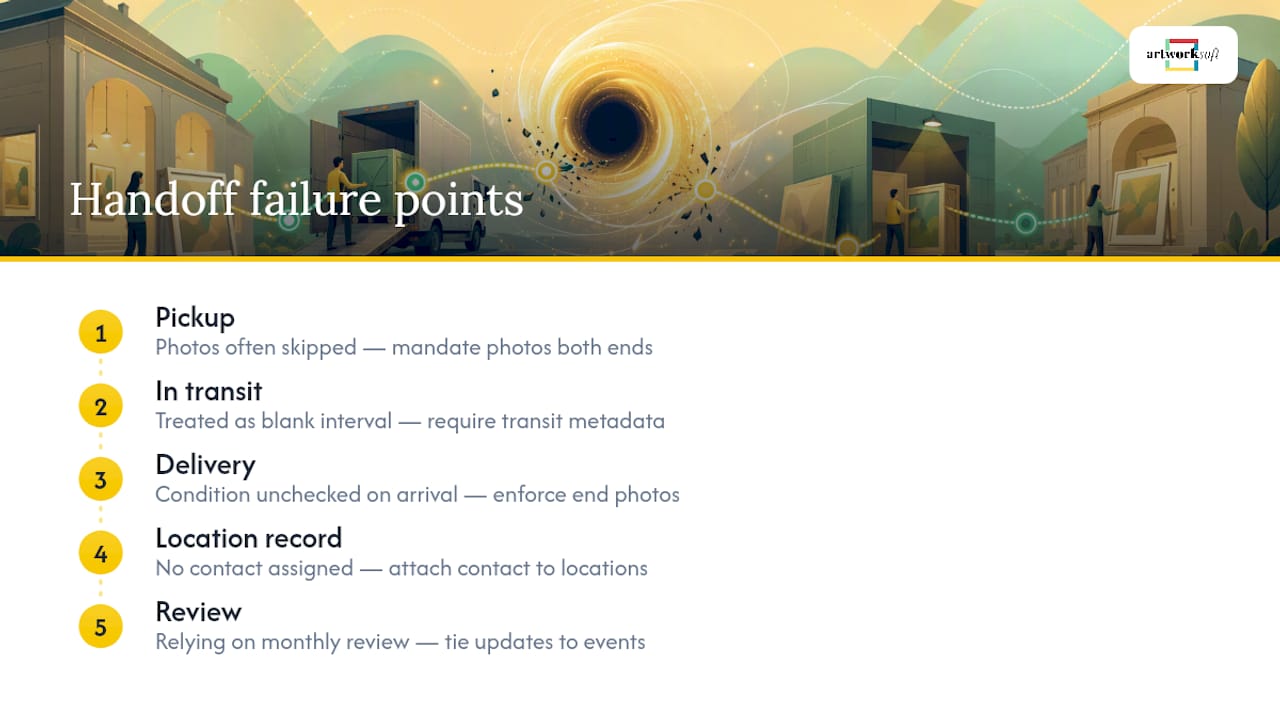
The failures I see repeated most often aren’t technical. They’re procedural. Transit gets treated as a blank interval instead of a tracked status. Locations have no assigned contact, so a simple inspection request stalls for days. Condition photos get skipped at pickup because “it looked fine when it left.”
The fixes are small: require transit metadata before a move is logged as complete, attach a contact to every location record, and mandate photos at both ends of a transfer. Tie updates to events, pickup, delivery, sale, rather than relying on a monthly review to catch what slipped through.
— Nealda
Where Artworksoft Fits Into Your Rollout
If you’re managing works across a studio, a storage unit, and a gallery consignment, spreadsheets stop working the moment a piece moves twice in one month. Artworksoft is built around exactly the workflow this guide describes: location history, movement logging, and document generation live inside the same artwork record instead of scattered across separate files.

The platform supports the checklist items covered above, including location-linked condition reports, movement metadata, and PDF certificate generation, so a pilot rollout doesn’t require rebuilding your process from scratch. Explore the movement and logistics tools to see how transit events get logged, or start with the core inventory system to map your existing locations before importing records. You can start a free trial at Artworksoft today and test the workflow against your five most complicated pieces before committing your full collection.
Sources
FAQ
What Is the Best Inventory App for Multiple Locations?
The best option is one that models location history, transit status, and movement metadata as core features rather than an afterthought. Artworksoft is built specifically around this structure, linking documents and condition reports to each movement event.
What Is the 70/30 Rule in Art?
There’s no single agreed-upon definition of a “70/30 rule” in art inventory management; the phrase is sometimes used informally to describe how much time teams spend searching for artworks versus doing proactive collection work. A well-structured location system with contacts and transit tracking is designed to shift that balance toward proactive management.
What Is the Best Art Inventory Software for Artists?
The right software depends on collection size and complexity, but artists managing work across a studio, storage, and consignment sites need location history, condition reporting, and document generation in one place. Artworksoft combines these with a structured valuation formula, which is useful for artists who also need pricing clarity.
What Is the 80/20 Rule in Art?
There is no standardized rule specific to art inventory management, so treat any informal shorthand as just that rather than industry standard. It’s more useful to focus on documented workflows, like assigning location contacts and logging transit events, than on unverified rules of thumb.
How Often Should Location Records Be Updated?
Location records should update immediately whenever an artwork’s status changes, such as a move, sale, or loan, with scheduled audits catching anything missed in between. Tying updates to specific events rather than a fixed calendar reduces the lag between what the system shows and where a piece actually is.