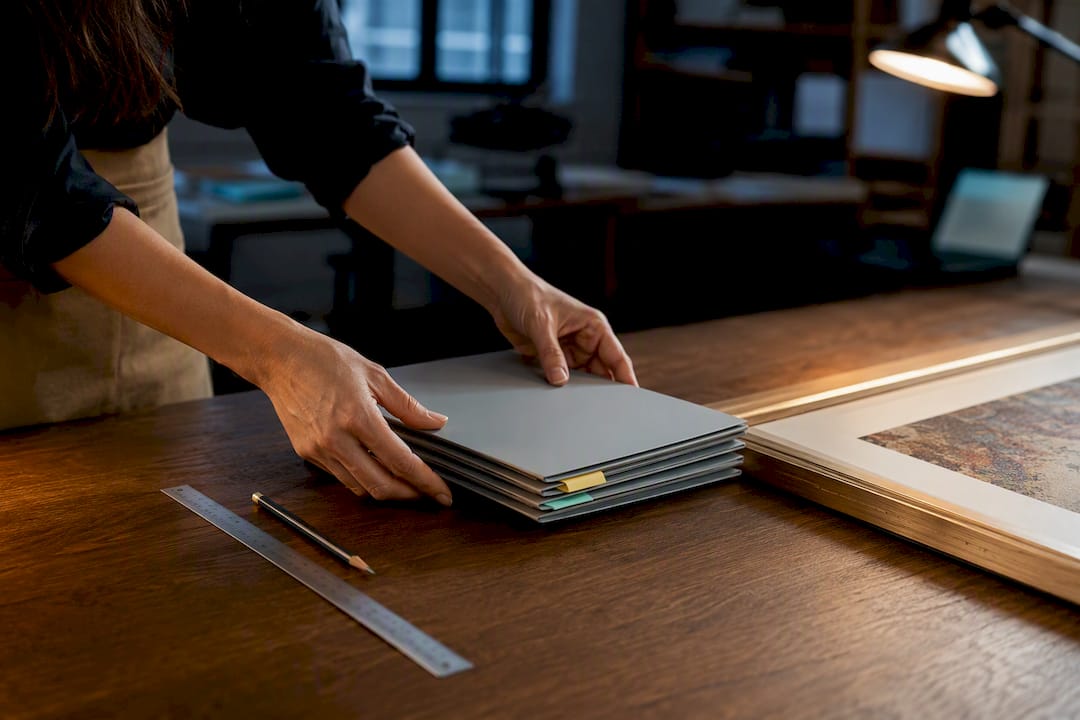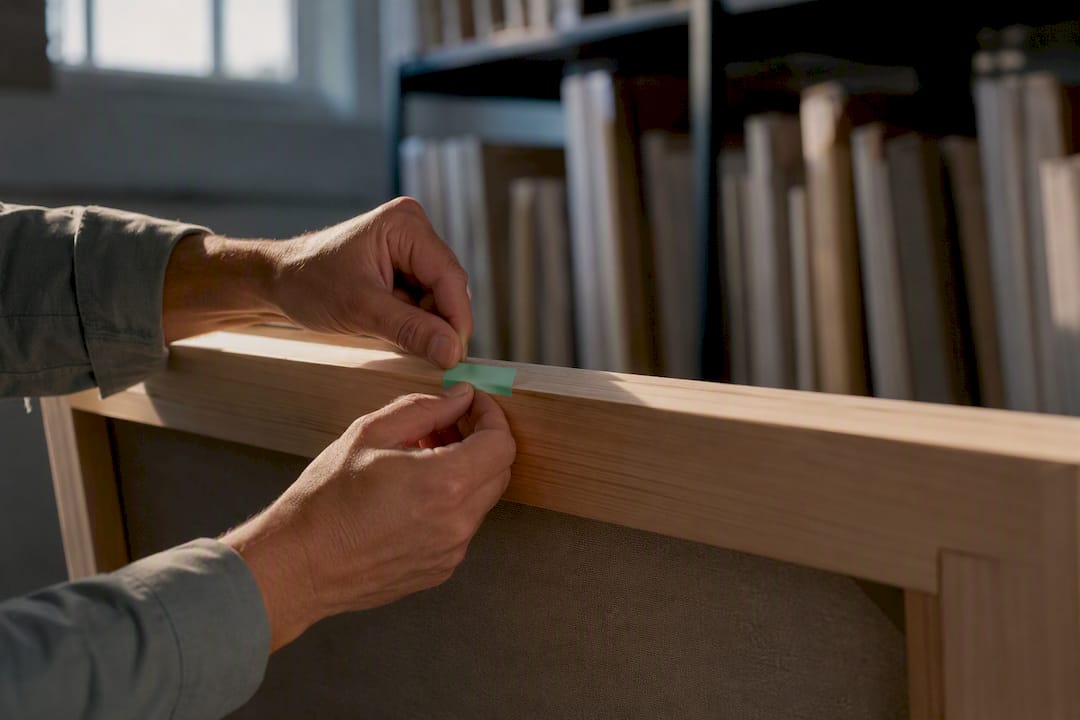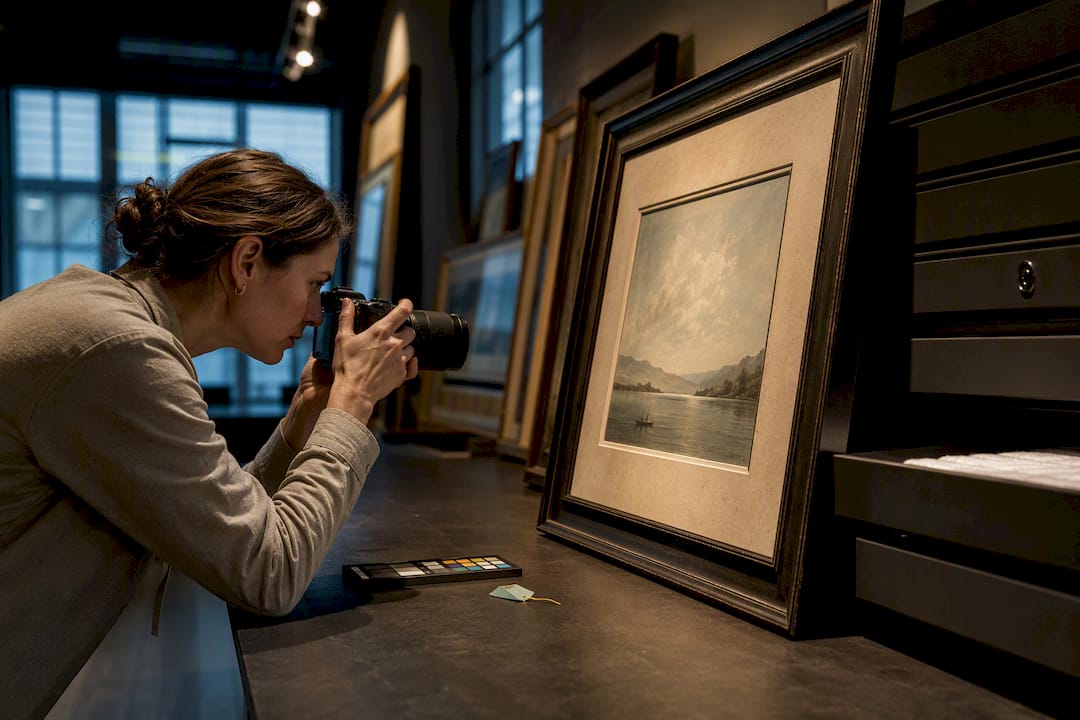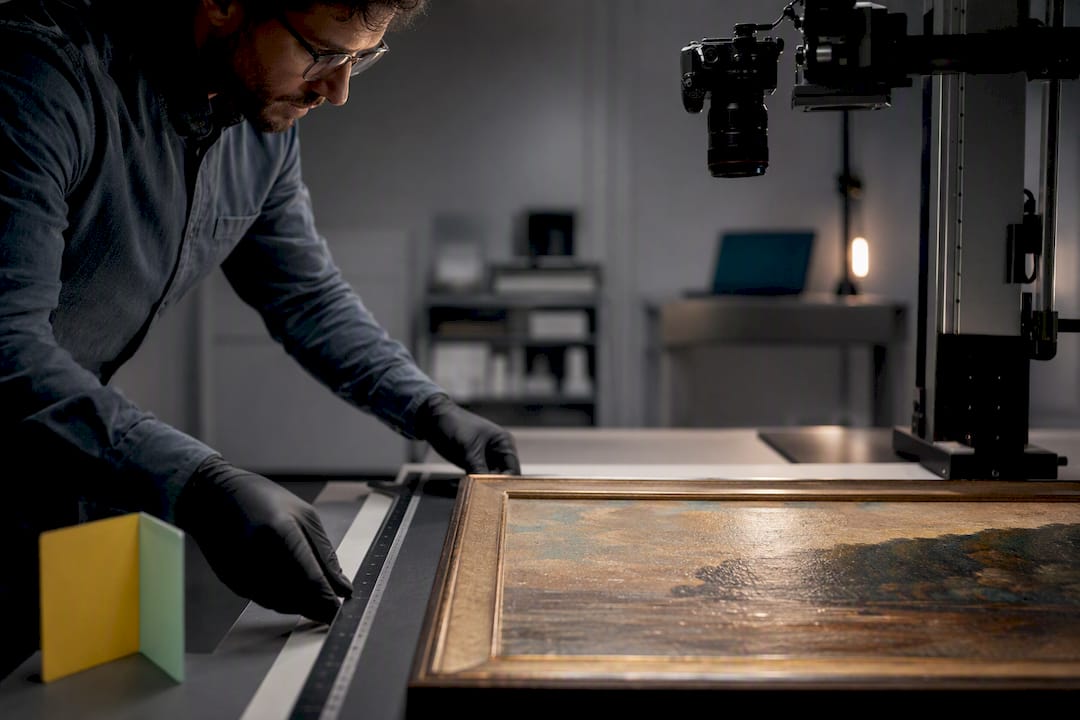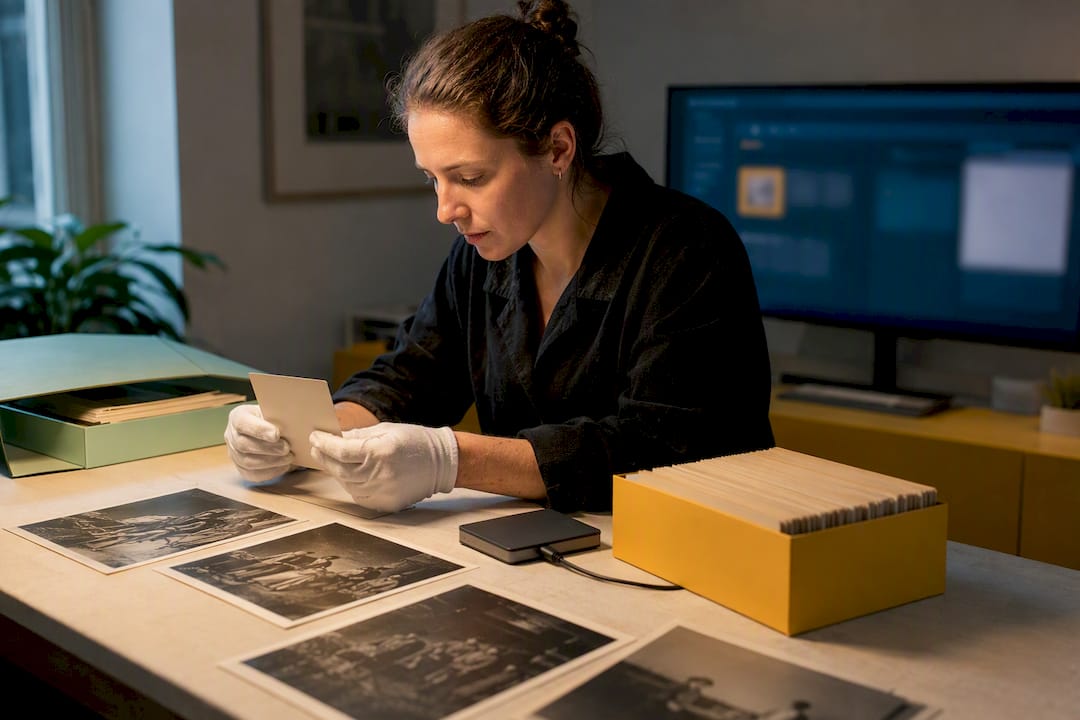
The right approach to gallery data migration is a staged process: export raw images and metadata together, map every relationship between artists, artworks, and transactions, run a dry test on a sample, then import in resumable batches. Two priorities decide whether the migration succeeds. First, metadata and relational integrity have to survive the move intact. Second, the process needs checksum verification and resume capability so a dropped connection never means starting over. Artworksoft supports this exact workflow for galleries that want migration handled with structured templates rather than trial and error.
Summary:
- Running a dry test on a representative sample helps prevent broken links and mapping errors in the full migration process.
- Maintaining a stable, unique ID for each artwork before export ensures relational integrity during transfer, avoiding orphaned records.
- Data verification should include checksum comparisons and relationship checks to confirm file integrity and accurate links.
- Collection size and complexity determine whether a DIY approach is feasible or if a managed service with experience is necessary.
- Proper planning, including relational mapping and detailed pre-migration audits, is essential for avoiding common failure points and ensuring a successful move.
What Is the Right Step-by-Step Checklist for a Gallery Data Migration?
A gallery migration fails less often from bad tools than from skipped steps. Following a fixed sequence protects against the two most expensive mistakes: losing metadata and losing the links between records.
- Audit the current system. Count artworks, images, client records, and transaction entries. Note which fields are custom versus standard.
- Identify canonical IDs. Every artwork needs one stable identifier that will survive the move, independent of filename or title.
- Back up everything before touching it. Export images with their original filenames intact, plus separate metadata exports in CSV or JSON.
- Design the field mapping. Build a mapping table connecting source fields to destination fields, including sample transformations for anything that doesn’t match cleanly.
- Run a dry run. Test the mapping against a representative sample before committing to a full import. Migration frameworks built for this purpose typically include a limited test import specifically to catch mapping errors early, according to the G2 migrate project documentation.
- Import in batches with state persistence. Track progress and errors as you go, and verify each batch with checksums rather than trusting a “completed” status alone.
- Perform cutover tasks. Set up redirects, send client invites, and confirm access controls before calling the migration finished.
Pro Tip: Never skip the dry run, even for a small collection. A 50-artwork sample import surfaces mapping errors that would otherwise show up as broken links across your entire catalog after the full import runs.
Which Data Types Need to Migrate, and How Do You Keep Them Connected?
A gallery database is not just a folder of images. It’s images plus a web of relationships, and the web is what usually breaks.
The full list of what needs to move includes:
- Images and video files, with original resolution intact
- EXIF and IPTC metadata embedded in each file
- Titles, descriptions, and condition reports
- Provenance records and inventory IDs
- Certificates of authenticity and related documentation
- Sales and transaction records, including consignment history
- Client contact information
- Exhibition histories tied to specific artworks
Relational mapping is what keeps these connected after the move. A canonical ID field, assigned before export, lets you rebuild links even when a title changes or a filename gets renamed during transfer. Mapping tables and foreign-key reconstruction handle the cases where source and destination systems structure relationships differently. Duplicates and missing identifiers need manual review. Skipping that review is how galleries end up with two records for the same painting.
The most common failure points are predictable. Relying on file timestamps instead of true capture dates loses provenance accuracy. Stripping EXIF and IPTC data during transfer, rather than preserving it natively, erases information a client or appraiser may need later, a risk Fast flags as a frequent failure point. Failing to migrate transaction links leaves sales history detached from the artwork it belongs to. Each of these produces what practitioners call an orphaned record: a piece of data with no path back to the artwork it describes, a risk well documented in imaging and metadata guidance for cultural institutions.
Should You Migrate Data Yourself or Use a Managed Service?
The decision usually comes down to collection size and how much custom mapping the data needs. A gallery with a few hundred artworks and mostly standard fields can often handle a DIY migration with the right tools. A collection with years of transaction history, multiple locations, and inconsistent legacy fields benefits more from a managed service that has done this before.
Whichever path you choose, require these capabilities from any tool or vendor:
- State persistence, so an interrupted migration resumes instead of restarting
- Batch processing with progress tracking
- Checksum verification on every transferred file
- Native EXIF/IPTC preservation, not timestamp substitution
- Retry logic with automatic backoff for flaky connections
- A working dry-run mode
Some open-source projects illustrate these capabilities well. Copy Image Tool, for instance, offers a CLI with dry-run mode and configurable retry logic built for reliable bulk image copying. The immich-migrator project separates metadata collection from the actual import and saves progress to a local state file, so nothing gets repeated after an interruption. A similar two-phase pattern shows up in the gallery-piwigo-migration framework, which was tested on a set of 17,000 photos by collecting metadata first and running the migration as a separate, retriable step.
Artworksoft applies the same principles through migration templates, hands-on onboarding, and automated documentation generation, so galleries moving from spreadsheets or legacy databases don’t have to script the mapping logic from scratch.
How Do You Test and Verify a Migration Before Going Live?
Verification is what separates a migration you can trust from one you’re hoping worked.
- Design the dry run properly. Select a sample that includes edge cases: nested albums, artworks with incomplete metadata, and records with unusual field values.
- Check file integrity. Run checksum comparisons and spot-check EXIF/IPTC fields side by side, source against destination.
- Validate relationships. Compare record counts, confirm foreign keys resolved correctly, and scan for orphaned entries with no matching artwork.
- Plan for rollback. Keep backups accessible, be ready to re-run failed batches, and have a short communication plan ready for staff and clients if go-live slips.
Pro Tip: Keep a dedicated “failed items” log during import rather than letting errors scroll past in a terminal window. It turns remediation into a short punch list instead of a second full audit.
How Long Does a Gallery Migration Take, and What Drives the Cost?
A simple export and import for a small catalog can finish in under a day. Multi-location collections with years of transaction history and custom fields can stretch into multiple days or weeks of staged work.
Cost is driven mostly by these factors:
- Custom field mapping and data cleanup hours
- Volume of transaction and provenance history to reconstruct
- Staff time spent reviewing duplicates and missing identifiers
- Security and compliance requirements for client data
When requesting quotes, ask vendors directly whether cleanup, custom scripting, and QA time are included or billed separately. Vendors advertising migration templates and dedicated support teams often complete small-catalog migrations without extra charge, while larger relational migrations may warrant a fixed-fee quote rather than open-ended hourly billing, since hourly work has no natural ceiling once cleanup starts.
What Galleries Get Wrong About Migration, and What Actually Prevents It
Most failed migrations don’t fail on the images. They fail on the relationships. A gallery moves thousands of photos flawlessly and then discovers, weeks later, that half the sales records point to nothing because nobody mapped the transaction IDs before running the import. That’s not a tooling problem. It’s a sequencing problem, and it’s avoidable with a canonical ID strategy set before a single file moves.
The second failure mode is treating verification as optional once the import “completes.” A completed import status means the process finished, not that the data is correct. Checksum verification and relational spot checks catch what a status bar can’t.
Artworksoft’s approach to this reflects both lessons: migration templates that force canonical ID mapping up front, onboarding support that walks through relational structure before bulk import, and automated documentation generation that gives galleries a paper trail once the data lands. For anyone starting this process, the practical first move is running an inventory audit, then requesting a migration template or a short demo to see how the mapping step actually works before committing a full collection to it.
— Nealda
How Artworksoft Makes Gallery Migration Faster and Lower Risk
Artworksoft replaces the manual scripting and guesswork most galleries face when moving off spreadsheets or an aging database, with structured migration templates, hands-on onboarding, and relational mapping assistance built specifically for artist, artwork, and transaction data.

Instead of piecing together CLI tools and hoping the field mapping holds, galleries get a documented process that preserves EXIF/IPTC metadata, rebuilds relationships between artworks and their sales history, and generates professional documentation, including Certificates of Authenticity, once the data lands in the new system. Small catalogs often move in a matter of hours rather than weeks.
To get started, gather your current inventory count, a sample export of your metadata fields, and a list of any custom fields your gallery tracks, then start a free account to test the import process directly or request a migration template built around your collection’s structure.