Archiving completed artwork projects is the process of organizing, documenting, and preserving finished art pieces to maintain their value, provenance, and accessibility over time. The practice draws on two professional disciplines: art inventory management, which tracks physical and digital records, and collection documentation, which establishes legal and historical context for each work. Artists and collectors who build a structured archive gain accurate inventory counts, defensible provenance records, and a reliable reference system for future sales, loans, or exhibitions. Artworksoft supports this process with tools that connect artwork profiles, location data, and transaction history in one place.
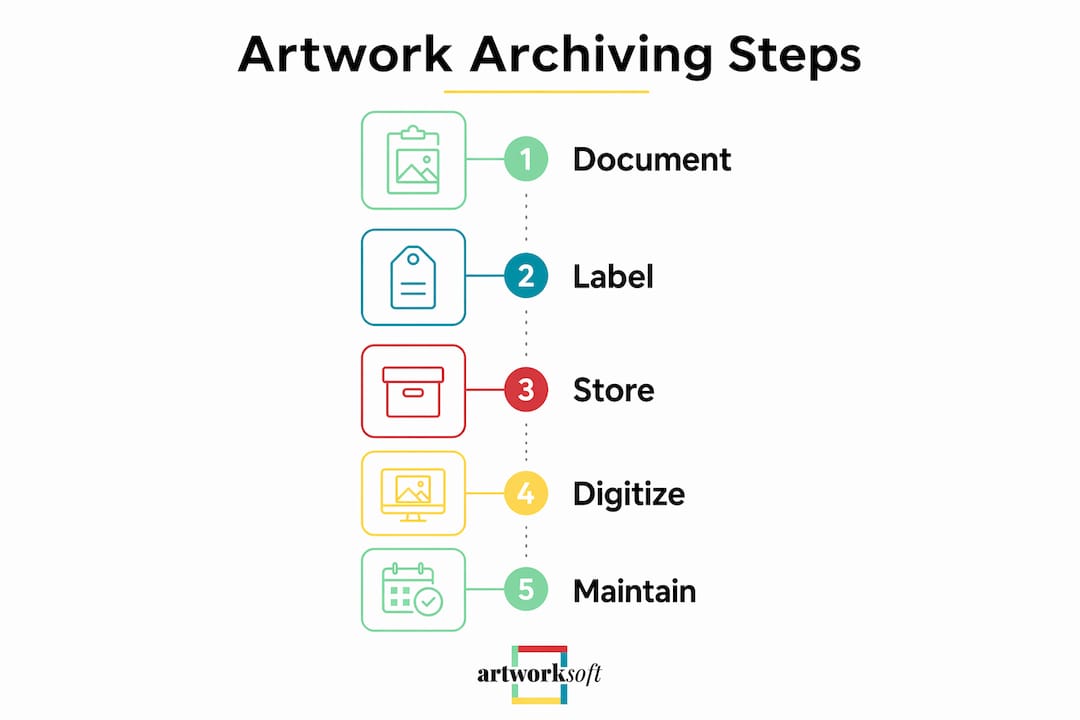
What should you include when you archive completed artwork projects?
Every archive record starts with a fixed set of metadata fields. Missing even one field creates gaps that surface at the worst possible time, such as during a sale or insurance claim.
The core fields for each completed work are:
- Title of the artwork (or working title if untitled)
- Completion date (month and year at minimum)
- Medium and materials (oil on linen, cast bronze, archival inkjet print)
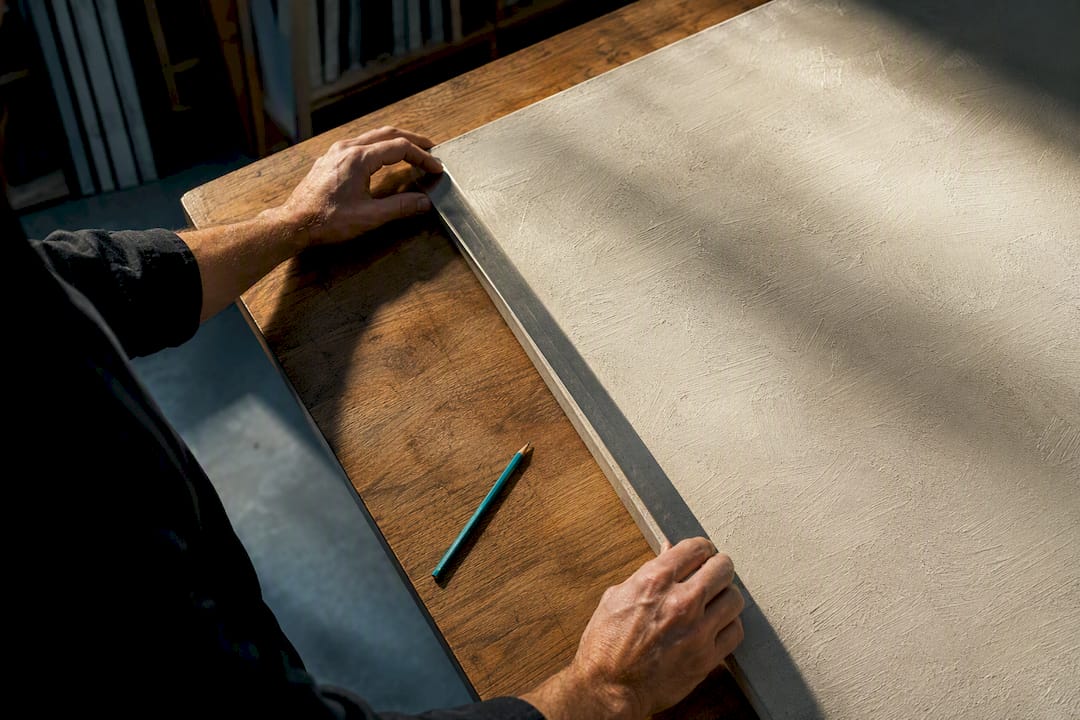
- Dimensions in inches or centimeters, including depth for 3D works
- Unique identifier (a sequential number, barcode, or alphanumeric code)
- Current location (studio, storage facility, gallery, or collector’s address)
- Condition notes at the time of archiving
Beyond these fields, provenance documentation is the most critical factor in maintaining an artwork’s long-term value. A Certificate of Authenticity signed by the artist or estate establishes provenance and protects market value during transfers. Without standardized documentation like a COA, archives risk losing market confidence when works change hands. Artworksoft includes a built-in COA generator so artists can produce professional documentation without third-party tools.
Unique identifiers deserve special attention. A consistent ID system, whether sequential numbering (AW0001, AW0002) or a project-based code (LAND2024-003), ties every physical label, digital file, and transaction record to the same source entry. That consistency is what makes an archive searchable rather than just stored.
How to physically organize and store finished artworks
Physical storage is the foundation of any archive. Digital records become unreliable if the physical work cannot be located, verified, or retrieved.
The right storage method depends on the format of the work:
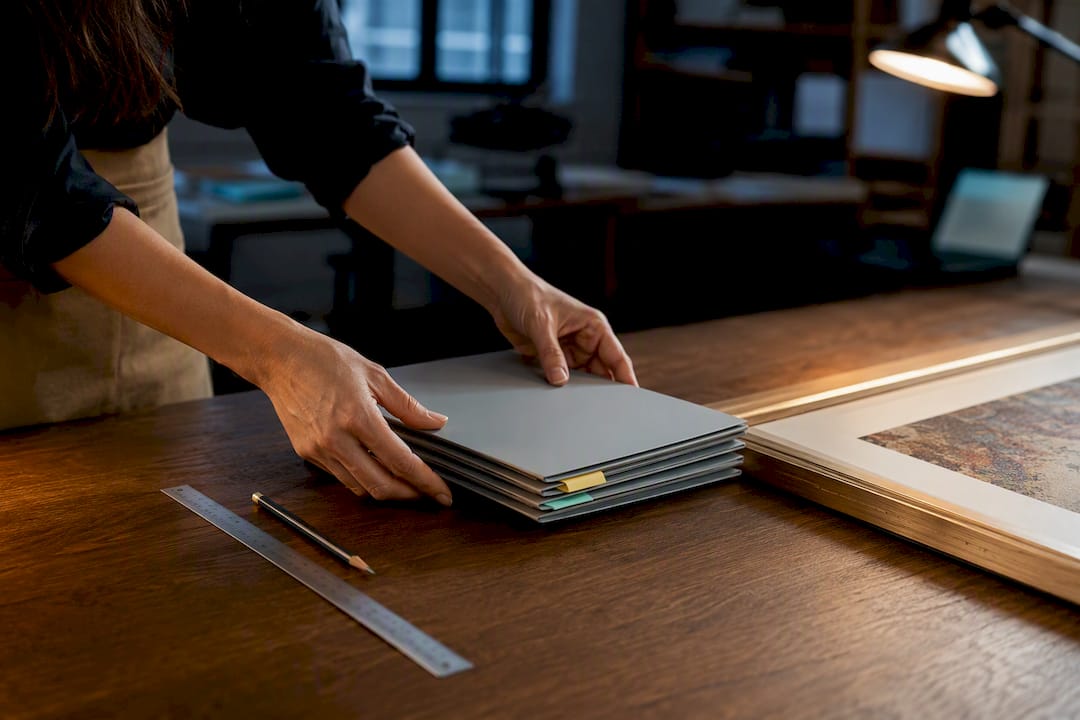
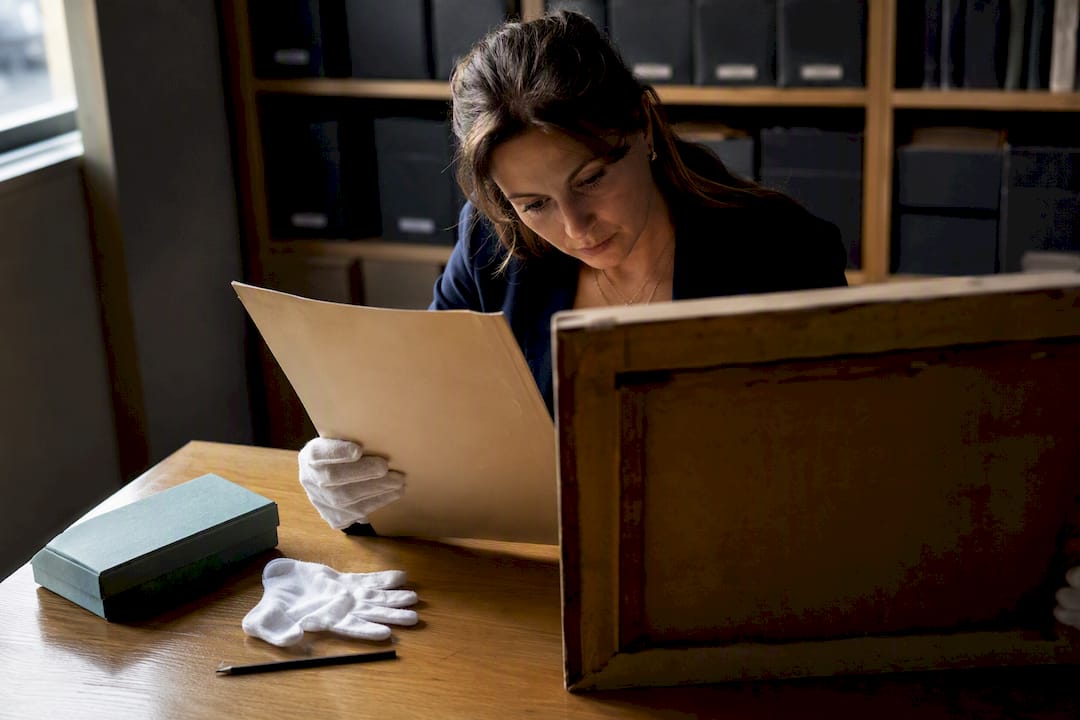
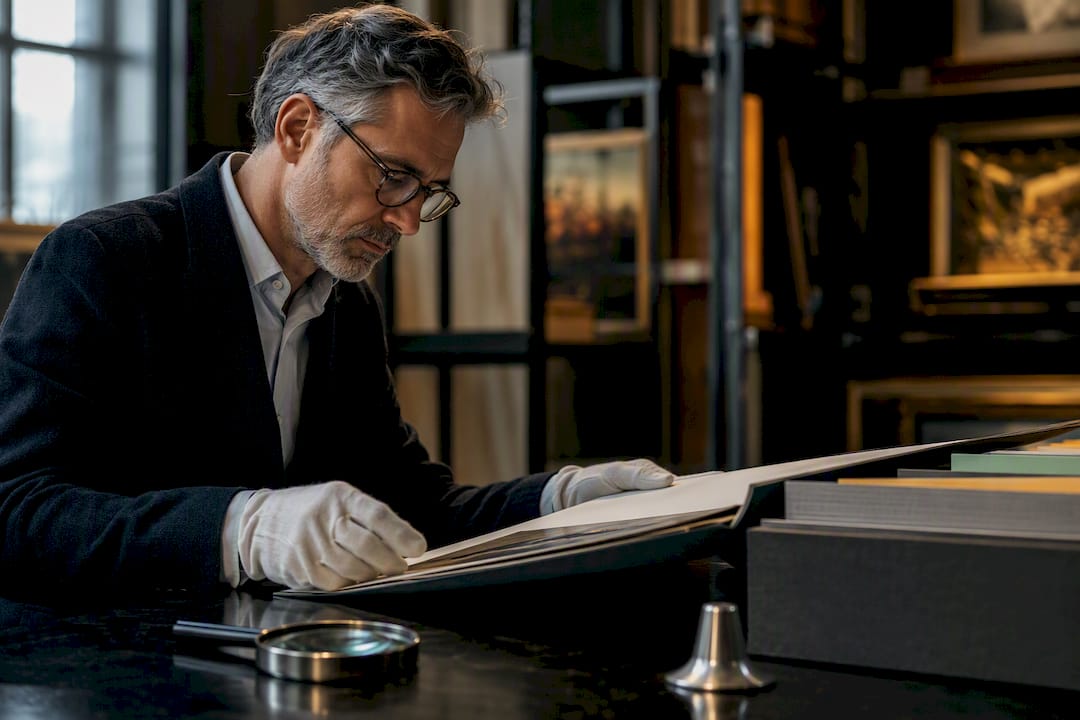
- Flat works on paper or canvas belong in archival-quality portfolios or acid-free folders, grouped by year or series. Interleave sheets with glassine paper to prevent surface contact.
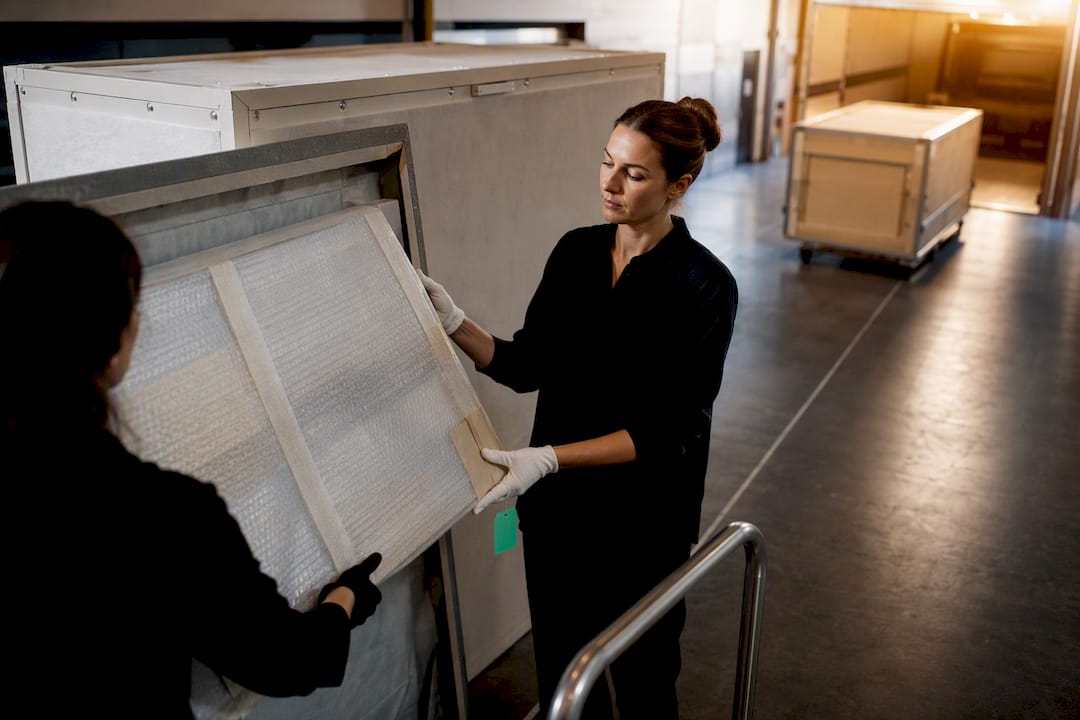
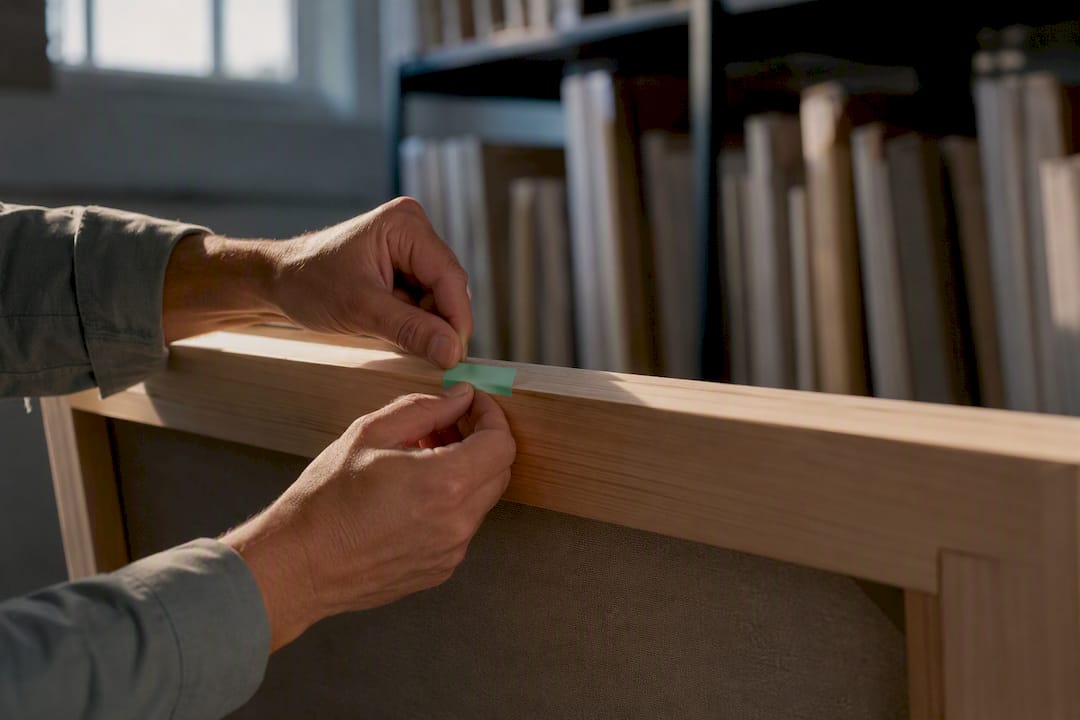
- Framed works should stand upright in padded vertical racks, never stacked flat. Label the back of each frame with the unique identifier.
- 3D or sculptural works go into clear labeled bins or custom crates. Photograph each piece from multiple angles before boxing, so the contents are identifiable without unpacking.
- Textile or fiber works roll onto acid-free tubes rather than fold, which prevents permanent crease damage.
- Works on unstretched canvas store rolled, face out, on labeled tubes in a dry environment.
Labeling strategy matters as much as the container. Chronological labeling (by year, then series) works well for artists building a career archive. Project-based labeling works better for collectors managing works from multiple artists. Either way, the label on the physical container must match the unique identifier in the digital record exactly.
Pro Tip: Use archival-quality materials throughout: acid-free boxes, pH-neutral tissue, and UV-resistant sleeves. Standard cardboard and plastic bags off-gas chemicals that degrade works over years, not decades.
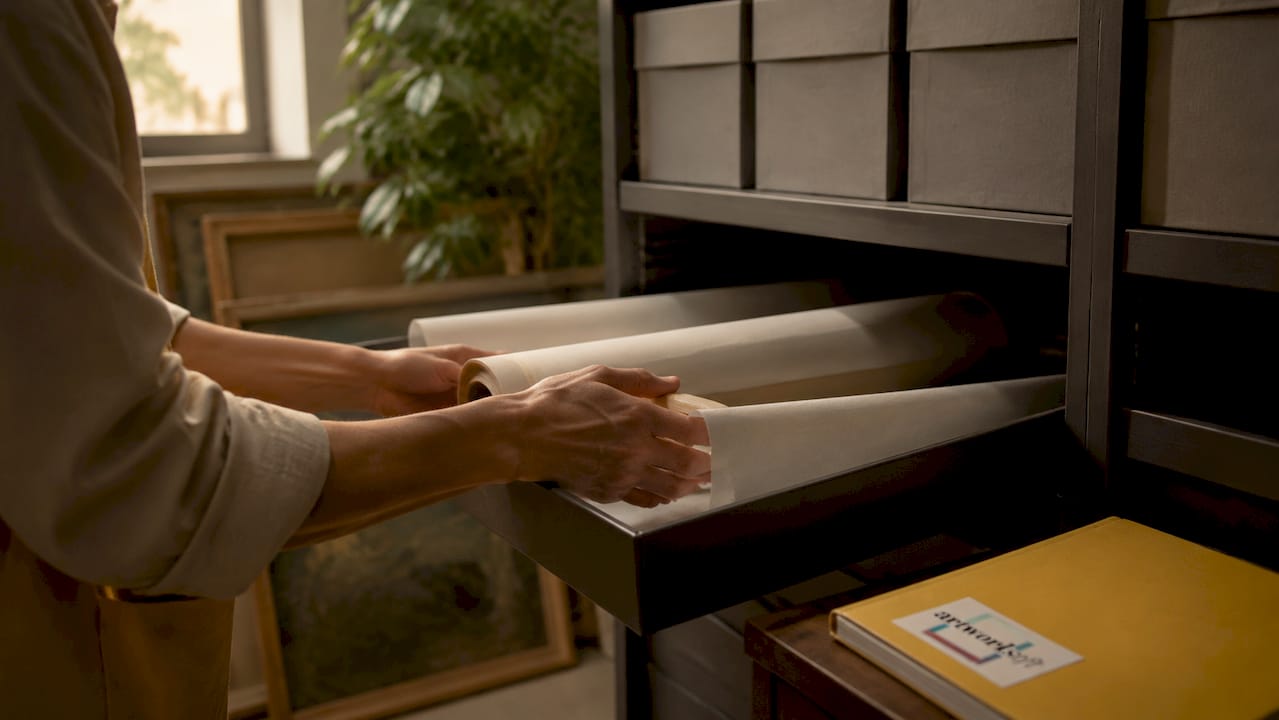
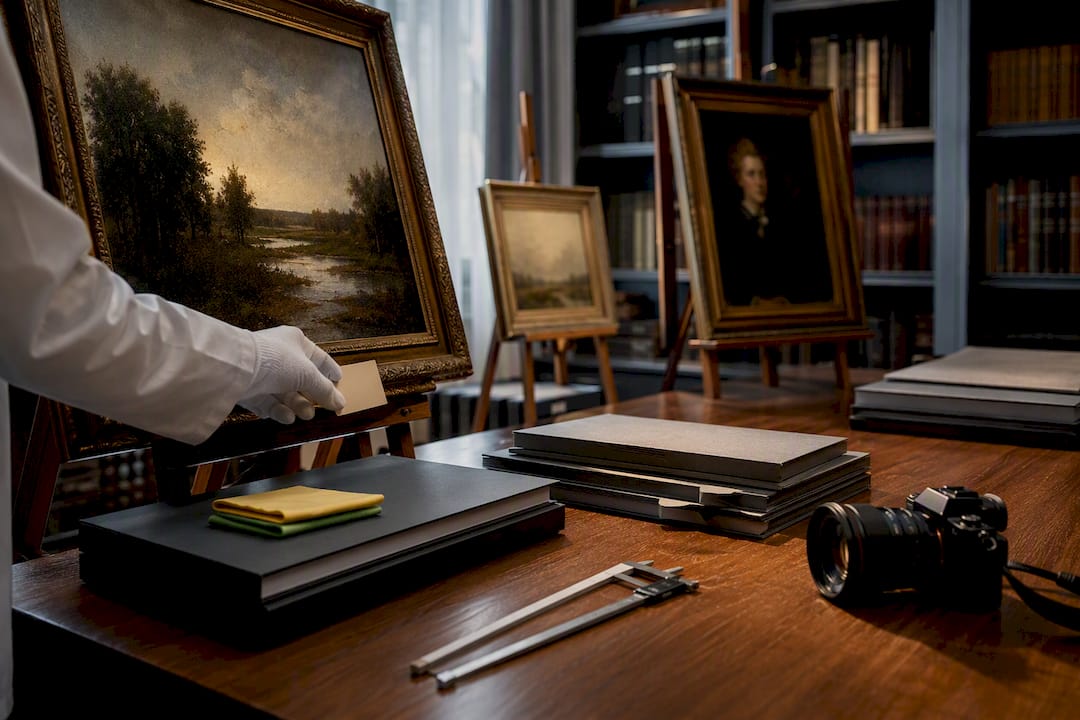
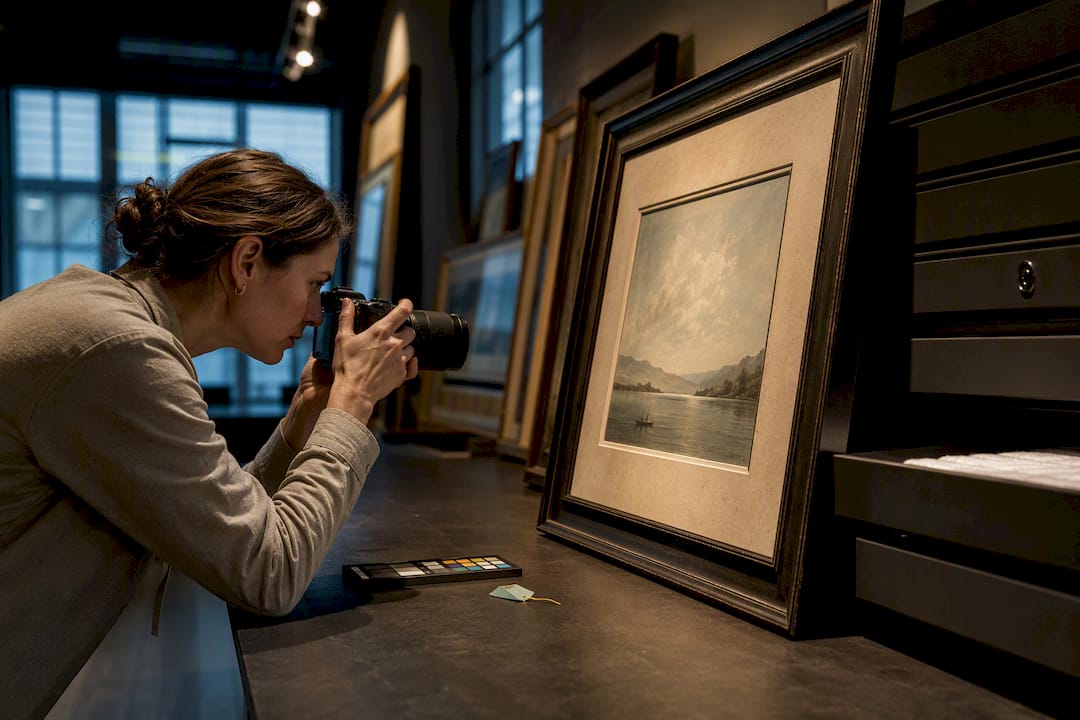
For artwork condition tracking, photograph each piece under consistent lighting at the time of archiving. These condition photos become the baseline for future comparisons during insurance appraisals or loan agreements.
What are the best digital archiving methods for completed artwork?
A physical archive without a digital counterpart is incomplete. Digital records make the archive searchable, shareable, and recoverable after physical loss.
Follow these steps to build a reliable digital archive:
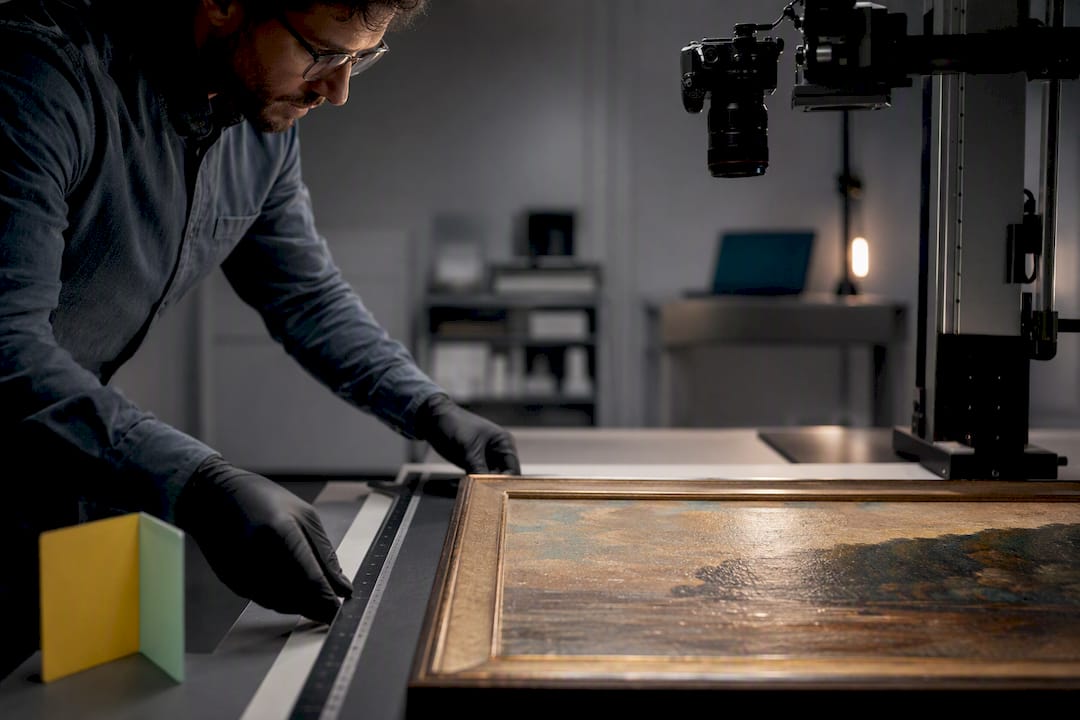
- Photograph every work under controlled conditions. Use a neutral gray background, two diffused light sources at 45-degree angles, and a color calibration card in the frame. Shoot in RAW format and export a high-resolution TIFF for archiving plus a compressed JPEG for sharing.
- Name every file using the unique identifier. A file named AW0047_front.tif is retrievable in five seconds. A file named IMG_3847.jpg is not.
- Tag each file with metadata. Embed the title, artist name, date, medium, and dimensions directly into the file’s EXIF or IPTC fields. This data travels with the file even when it is moved between folders or platforms.
- Organize files in a mirrored folder structure. The folder hierarchy should match the physical storage system: Year > Series > Individual Work > File Type.
- Back up using the 3-2-1 rule. Keep three copies of every file: two on different local drives and one in cloud-based storage. Cloud storage protects against fire, flood, and theft.
- Use an art inventory platform for centralized tracking. Spreadsheets break down at scale. Dedicated art inventory software links images, metadata, location records, and transaction history in one searchable database.
Pro Tip: A public-facing archive should maintain a clean, minimalist design to keep the artwork as the focal point. Cluttered presentation reduces visibility and undermines the professional impression the archive is meant to create.
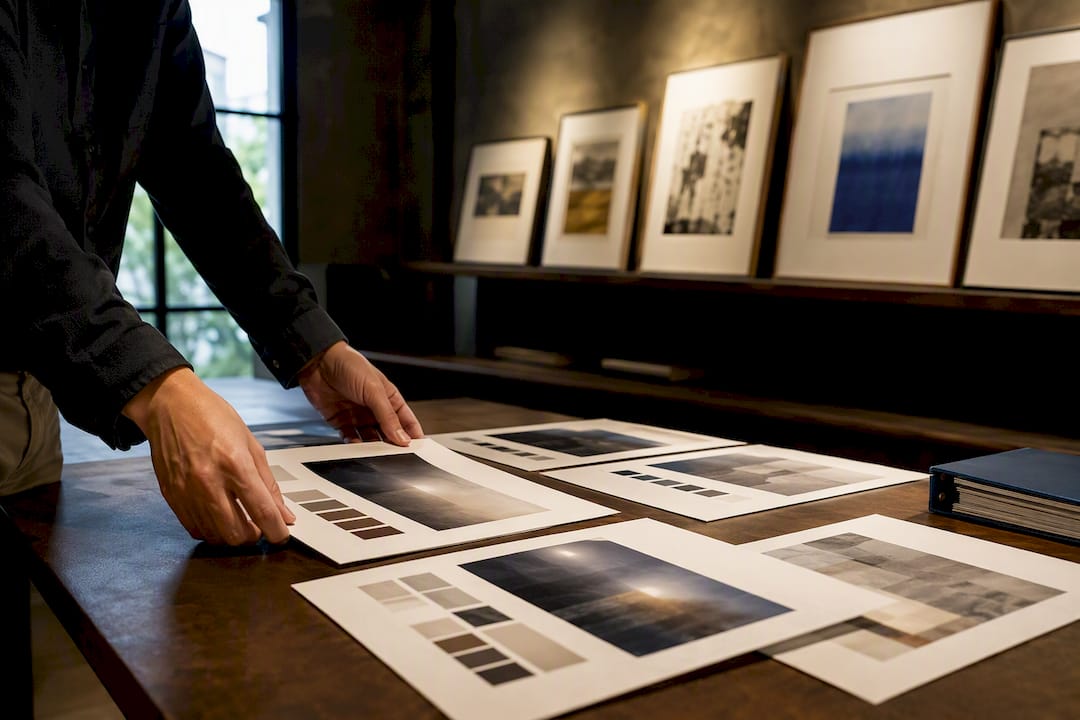
Separating archive layers adds another layer of professional structure. A public exhibition layer shows curated, presentation-ready images and basic metadata. A private research layer holds technical notes, material trials, condition history, and failed experiments. Curators and insurers value the private layer; buyers and press see only the public one.
How do you maintain and update your artwork archive over time?
An archive that stops being updated becomes a liability rather than an asset. Backlog is the primary reason archives fail.
The most effective maintenance approach is incremental and routine, not retroactive and massive. Retrospective bulk archiving is unsustainable. A 20–40 minute initial setup followed by a 5-minute weekly or monthly reset keeps archives manageable and current. That ratio matters: the upfront effort is finite, and the ongoing cost is minimal.
Practical habits that prevent backlog:
- Archive each work immediately upon completion. Do not wait until a group of works accumulates. One piece takes five minutes to document. Twenty pieces take two hours.
- Prioritize newer work first. When catching up on a backlog, start with the most recent pieces. Recent works are most likely to sell or be exhibited, so their records are most urgently needed.
- Schedule a monthly archive review. Set a recurring calendar appointment to check for missing fields, update location records after any artwork movement, and add new condition notes.
- Integrate archiving into the studio workflow. Place the labeling materials, camera, and documentation checklist in the same area where finished works are set aside. Physical proximity removes friction.
- Audit annually. Once a year, cross-reference the physical inventory against the digital records. Discrepancies caught early are easy to resolve. Discrepancies discovered during a sale or estate transfer are not.
Artwork profile management platforms reduce the manual effort of these routines by automating location updates, flagging incomplete records, and generating condition reports on demand. The goal is a system where updating the archive takes less time than the artwork took to create.
Key Takeaways
A well-maintained archive of completed artwork is the single most reliable way to protect provenance, support accurate valuation, and keep inventory accessible across physical and digital formats.
| Point | Details |
|---|---|
| Document every work immediately | Assign a unique ID, record medium and dimensions, and generate a COA at completion. |
| Match physical and digital records | Every container label must correspond exactly to a digital file and inventory entry. |
| Use the 3-2-1 backup rule | Store three copies of digital files: two local, one in cloud storage. |
| Maintain in short sessions | A 5-minute monthly reset prevents backlog far better than periodic bulk efforts. |
| Separate public and private layers | Keep presentation-ready records public and technical research data in a private archive layer. |
Why I think most artists archive too late
Artists tend to treat archiving as something to do when the studio gets chaotic. That instinct gets the timing exactly backwards. The right moment to document a work is the day it is finished, when the materials are fresh in memory, the surface is undamaged, and the provenance chain is unbroken.
I have seen collections where the artist’s most significant early works are the least documented. No COA, no condition photos, no record of where the piece went after the first sale. Those gaps do not just create administrative problems. They reduce the work’s market value and make authentication genuinely difficult years later.
The other mistake I see consistently is treating the archive as a single, flat list. The most useful archives I have encountered separate what is meant for public view from what belongs in a private research record. Adaptive archival systems enable transformation into AR, VR, and other contemporary exhibition methods. That kind of flexibility only exists if the archive was built with layers from the start.
The practical takeaway is this: build the archive as if someone else will need to use it without your help. That discipline produces records that hold up during sales, loans, estate transfers, and retrospective exhibitions. It also produces a body of work you can actually find.
— Nealda
Artworksoft: built for artists and collectors who take documentation seriously
Artists and collectors who want a structured system for managing their archive do not need to build one from scratch.

Artworksoft provides a purpose-built art management platform that connects artwork profiles, location tracking, COA generation, and transaction records in one interface. The platform supports both physical and digital archiving workflows, so records stay consistent across formats. Artists can document completed works, assign unique identifiers, and generate professional documentation without switching between multiple tools. Collectors gain a clear view of their holdings, condition history, and valuation data in a single dashboard. Turn your collection into a well-documented asset with Artworksoft’s free inventory system.
FAQ
What is the difference between archiving and storing artwork?
Storing artwork means placing it in a physical location. Archiving adds documentation, unique identifiers, condition records, and provenance data so the work can be found, verified, and valued at any future point.
How do I assign unique identifiers to completed artworks?
Use a consistent alphanumeric system such as sequential numbering (AW0001) or a project-based code (SERIES2024-003). Apply the same identifier to the physical label, digital file name, and inventory record.
Why is a Certificate of Authenticity required for an archive?
A Certificate of Authenticity signed by the artist establishes provenance and protects market value during transfers. Without it, archives risk losing market confidence when works change hands.
How often should an artwork archive be updated?
A monthly 5-minute review session keeps records current without creating backlog. Each new completed work should be documented immediately rather than accumulated for batch processing.
What digital file format is best for archiving artwork images?
Store master images as high-resolution TIFF files with embedded IPTC metadata. Export compressed JPEG versions for sharing and presentation, but retain the TIFF as the archival master.