


Managing art inventory across multiple platforms creates record inconsistencies and increases administrative overhead for galleries, artists, and collectors. Many established solutions either gate essential features behind high starting prices or limit free access to basic cataloging without valuation and document tools. This comparison explains pricing, inventory features, and record management for the leading InventoZen.com alternatives so professionals can choose the right software for their needs.
Table of Contents
Artworksoft
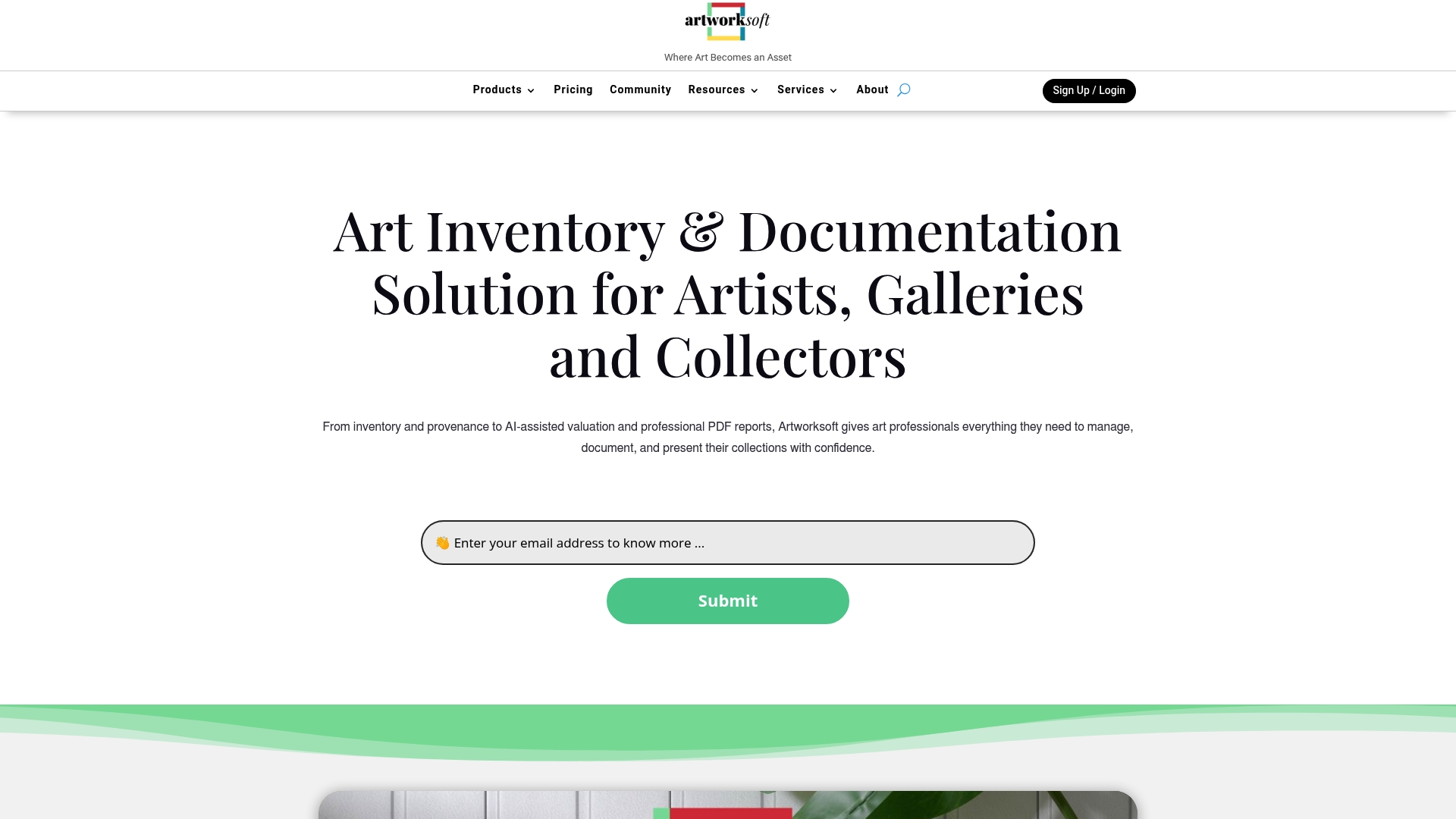
At a Glance
Free for up to 5 artworks and a Provenance plan starting at $50/month make initial adoption low cost for small collections. Artworksoft ties inventory, provenance, valuation, movement, and transaction records to a single artwork profile. The platform also includes onboarding, art printing, digital archiving, and a curated community for exposure.
Core Features
Artworksoft centralizes inventory management, provenance documentation, movement tracking, and sales records so every object has one authoritative record. The system generates professional PDF reports and Certificates of Authenticity while offering AI assisted valuation and narrative generation to support pricing and provenance narratives. Onboarding, printing, archiving, and consultancy services sit alongside community and marketplace features.
Key Differentiator
Artworksoft combines detailed inventory, provenance, and AI assisted valuation tools in one system. That alignment keeps valuation outputs attached to provenance documentation and movement history. Users do not need separate tools to create Certificates of Authenticity, prepare provenance reports, and record transactions for the same object.
Pros
Artworksoft stores ownership history, transit logs, sales records, and valuation notes within a single artwork record, which reduces manual reconciliation across spreadsheets and email. The platform produces professional PDF reports and Certificates of Authenticity for insurance, exhibition, and sales workflows. Community features and marketplace links raise artist visibility, and added services such as onboarding and digital archiving shorten time to practical use. The vendor lists a free tier and subscription options that let small collections start without an immediate subscription.
Cons
- May be complex for users new to extensive art management systems. This can require training or onboarding to use advanced valuation and provenance features effectively.
Who It’s For
Artists, galleries, collectors, consultants, and art institutions that need organized provenance and valuation records will find this product relevant. Teams preparing works for insurance, sale, or exhibition benefit from the documentation and report tools. Smaller collectors who want low cost entry can use the free tier to test workflows.
Unique Value Proposition
Free for up to 5 artworks reduces upfront cost for emerging artists and small collectors while retaining access to valuation and provenance features. That pricing lets institutions trial the workflow before moving to a paid plan. Bundled services such as onboarding, printing, and digital archiving shorten setup time and keep administrative tasks inside one vendor relationship.
Real World Use Case
A gallery catalogs its entire inventory, generates Certificates of Authenticity, and links movement logs to provenance entries before an auction. Staff run AI assisted valuations to produce price guides and attach the results to sale records and PDF provenance reports. The gallery uses onboarding and archiving services to convert legacy paper files into the platform.
Pricing
Free for up to 5 artworks. Provenance plan starts at $50/month for unlimited artworks. The vendor advertises a free trial and subscription options for collectors and galleries with larger inventories.
Website: https://artworksoft.com
Artwork Archive
At a Glance
Plans start at $9/month for small collections. The platform serves artists, collectors, and arts organizations with cataloging and sales tools. It combines inventory records, exhibition management, and public sharing in one place.
Core Features
Artwork Archive centralizes inventory records, provenance, and condition reporting so collection details stay organized. The platform supports exhibition and event management and creates professional reports and labels for galleries. It also handles online invoicing and payment processing while offering private online collections and public profiles for sharing work.
Key Differentiator
The product focuses on the operational workflows of art professionals, blending cataloging with sales and outreach. That emphasis on day to day collection management makes it more practice oriented than basic spreadsheets or generic asset trackers. The feature mix targets the administrative tasks galleries and artists perform repeatedly.
Pros
The platform groups cataloging, provenance records, and condition reports into one workspace, which reduces manual tracking. It includes sales tracking and invoicing tools that connect transactions directly to inventory and reporting. Public profiles and private collection options help galleries and artists publish work while controlling access.
Cons
- Pricing may be prohibitive for very small or hobbyist artists, especially at higher tier plans. It can push casual users toward lighter or free tools.
- The interface can feel complex initially and requires time to learn. New users may need training to use advanced reporting.
- Integrations are limited beyond website embedding and basic site tools. Those needing broad third party connectors will find gaps.
- The platform may overwhelm very small collections that only need simple lists and basic records.
When It May Not Fit
Small hobby collections that need a free or minimal tool will find the pricing and feature set excessive. Teams that rely on many third party integrations will face workarounds. Organizations that prefer an ultra simple inventory list rather than full documentation will likely prefer a lighter solution.
Who It’s For
Professional artists, collectors, and arts organizations that require secure records and administrative workflows will benefit most. Galleries that manage exhibitions, sales, and provenance will find the feature set directly relevant. Users who expect built in invoicing and public sharing alongside cataloging will see value quickly.
Real World Use Case
A mid sized gallery catalogs incoming works with provenance and condition notes in the system. Staff use the same records to build exhibition labels and produce sales invoices for collectors. Public profiles let the gallery share selected works while private collections preserve donor or lender records.
Pricing
See the plans and prices on the official website. Pricing starts at $9/month for small collections. Scalable options exist for larger organizations and institution level plans.
Website: https://artworkarchive.com
ArtBinder
At a Glance
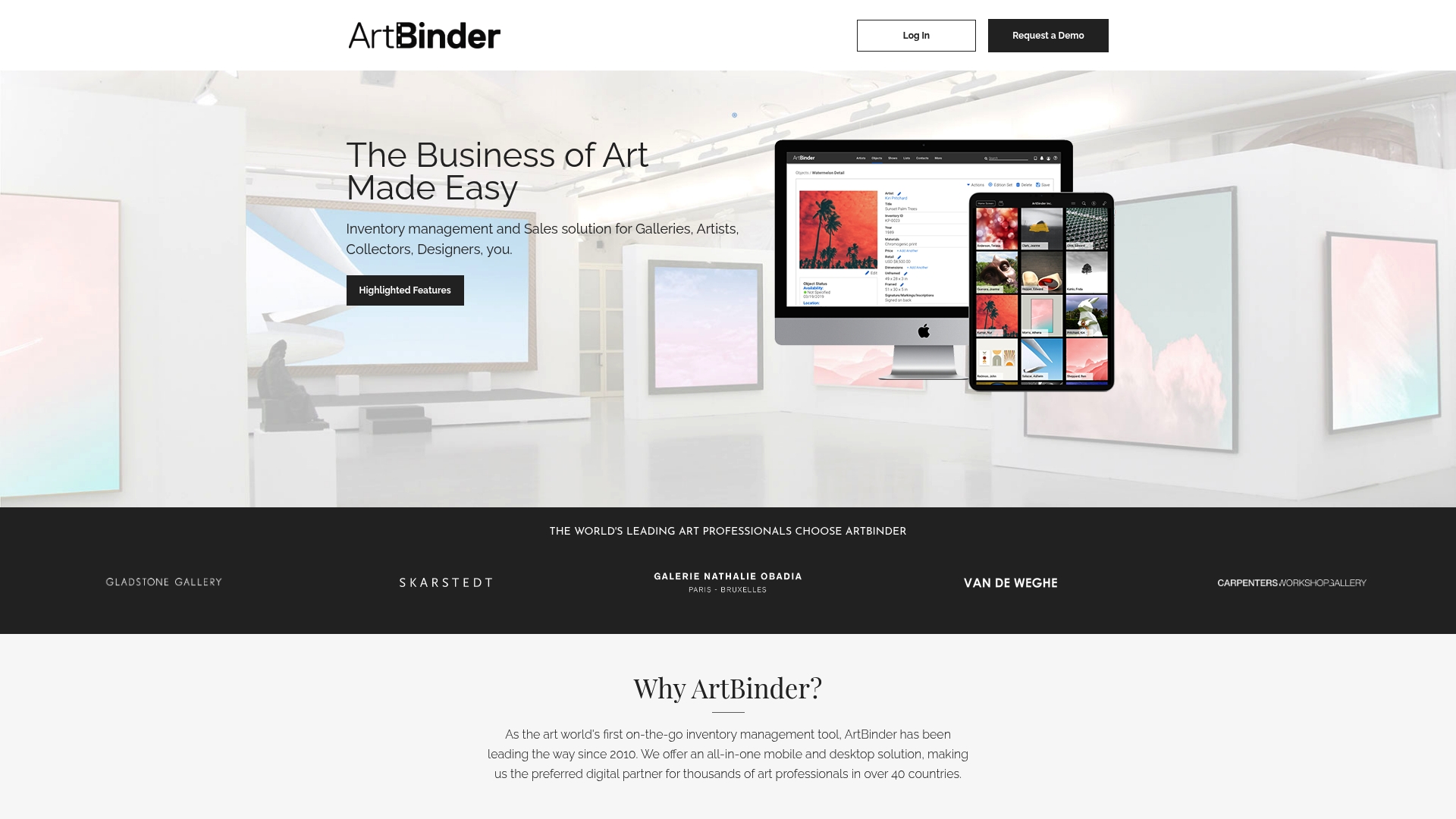
The vendor claims ArtBinder was the first mobile app created specifically for art industry professionals. The product has offered a mobile friendly, cloud based inventory and sales solution since 2010. It combines object and artist management with virtual viewing rooms and sales tracking. Pricing starts at $195/month billed annually.
Core Features
ArtBinder organizes artwork records and artist profiles, and it links objects to shows, lists, and transactions. The platform includes a Mobile iOS App for client presentations and a Dynamic Activity Log that records movements and updates across devices. Advanced search, filter, and customizable listings speed retrieval and client sharing.
Key Differentiator
That claim centers the product on mobile first workflows and cloud synchronization for art teams on the move. The emphasis on a native app plus real time sync supports galleries that present inventory from studios, fairs, and client visits. This positioning appeals to dealers who require secure access across locations.
Pros
ArtBinder lists several institutional clients, which signals acceptance among established galleries and dealers. The platform offers cloud based sync so multiple staff can see the same inventory state instantly. Mobile and desktop access makes client-facing presentations and internal updates possible from the same account. Customizable shows and lists help prepare sales materials and virtual viewing rooms quickly.
Cons
- Pricing may be high for smaller or emerging artists and galleries. This can limit adoption for low revenue operations.
- Specific integrations or API options are not detailed, which creates uncertainty for teams needing automation. Third party connections are not described.
- Potential complexity may require formal onboarding or training, increasing initial setup time and cost.
When It May Not Fit
Smaller artists and micro galleries working on tight budgets will likely find the starting price prohibitive. Teams that rely on extensive third party integrations or custom API workflows will encounter limits because integration details are not published. Organizations without staff time for onboarding may struggle to adopt all features quickly.
Who It’s For
ArtBinder fits galleries, art dealers, and collectors who need a single place to manage inventory, client presentations, and sales records. It suits teams that frequently present work offsite or manage multiple locations. The product matches buyers who prioritize mobile access and institutional credentialing.
Real World Use Case
A mid sized gallery uses ArtBinder to centralize inventory across two locations. Staff create virtual viewing rooms for clients and track offers through the platform. Sales and shipment notes sync to the team so every staff member sees current status when speaking with collectors.
Pricing
The vendor lists a starting price of $195/month billed annually. The model suggests seat or account based billing at that entry level. Detailed tier features and enterprise pricing are available through vendor sales channels.
Website: https://artbinder.com
Comparison of alternatives
In evaluating solutions for art inventory management, the integration of AI-assisted valuation within Artworksoft makes it stand out for users prioritizing asset management. However, evaluating alternatives such as Artwork Archive and ArtBinder demonstrates the distinct characteristics and benefits each platform offers.
Distinct features across platforms
Artwork Archive distinguishes itself with an accessible pricing structure, starting at $9/month. This makes it a practical choice for emerging artists or smaller collectors requiring fundamental cataloging without immediate extensive features. ArtBinder focuses on mobile-first access, providing cloud-based real-time updates ideal for galleries operating across multiple locations or for offsite presentation during fairs and client meetings. It uniquely supports mobile workflows for arts professionals on the move.
Key comparative insights
Artworksoft excels in combining advanced automated valuation, centralized provenance documentation, and transaction reporting in one harmonized system. This capability simplifies administrative workflows by reducing the need for multiple platforms or external integration. By contrast, Artwork Archive’s emphasis on exhibition and visualization tools aligns with users prioritizing presentation and client engagement over detailed financial and provenance tracking.
Best fit
- Organizations focused on valuation accuracy directly linked to transaction and provenance records will find Artworksoft particularly relevant.
- Smaller collectors or hobbyists looking for cost-effective entry-level solutions may prefer Artwork Archive’s highly accessible pricing.
- Galleries emphasizing mobile presentation and enhanced location coordination in client-facing settings will benefit from ArtBinder.
Our pick
Artworksoft combines advanced valuation mechanisms with centralized operations, offering a distinct choice over other platforms for users valuing unified record organization. While its advanced systems require familiarity to comprehend fully, its unique integration of valuation with provenance data establishes it as the leading choice for those prioritizing detailed and efficient management solutions.
Art inventory management systems differ in features, use cases, and pricing models. Compare these options to determine which best meets your needs.
| Product | Core Feature | Key Differentiator | Pricing | Limitation |
|---|---|---|---|---|
| Artworksoft | Inventory, Provenance, Valuation | Unified valuation and documentation | Free for up to 5 items; $50/month for unlimited | May be complex for new users |
| Artwork Archive | Inventory, Condition, Exhibition Management | Administrative task ease | Starting at $9/month | Limited third-party integrations |
| ArtBinder | Inventory and Mobile Presentation | Mobile-first workflow | Starting at $195/month | High cost and potential complexity for smaller operations |
Challenges in Finding Effective Alternatives to InventoZen.com for Art Inventory Management
Managing art collections demands precise tracking of provenance, valuation, and transaction records. Teams often face complexity with disconnected tools that create gaps between inventory and sales data. The need to centralize ownership history, Certificates of Authenticity, and movement logs is critical for artists, galleries, and collectors preparing art for exhibition or sale.
Artworksoft addresses these concerns by offering an integrated platform where valuation follows a clear formula linked directly to provenance documentation. Its ability to unify inventory details with client-facing reports and community features reduces manual work while increasing confidence in pricing and authenticity. Emerging artists and small collections can begin with a free plan, scaling up to subscription options that support larger portfolios.
Artworksoft simplifies the connection between artwork, location, and transaction. Gain access to proven workflows, AI-assisted valuation, and professional documentation. Visit Artworksoft to start managing your collection with clarity and control.
FAQ
Which platform offers the lowest entry cost for art inventory management?
Artworksoft provides a free tier for up to 5 artworks, making it accessible for emerging artists and small collectors. This feature allows users to test the platform’s capabilities without an immediate financial commitment. Starting with Artworksoft is straightforward and cost-effective, enabling new users to explore its functions.
What is the difference between Artwork Archive and Artworksoft?
Artwork Archive excels in sales tracking and invoicing tools that connect transactions directly to inventory. Artworksoft, on the other hand, integrates provenance documentation and AI-assisted valuation in a single system. Depending on the user’s primary need—whether it’s transactional efficiency or detailed record-keeping—each software serves a distinct purpose.
How does Artworksoft support provenance and valuation for artworks?
Artworksoft centralizes inventory management, provenance documentation, and valuation in one platform. Users can generate professional PDF reports and Certificates of Authenticity, ensuring they maintain comprehensive records for each artwork. This feature simplifies the management process significantly.
Can I use Artworksoft if I have a small collection?
Artworksoft accommodates small collections with its free tier, allowing users to manage up to 5 artworks at no cost. This is an ideal choice for smaller collectors or emerging artists who want to explore art inventory management without upfront investment.
How does Artworksoft help with tracking sales and transactions?
Artworksoft records every transaction associated with each artwork within the same profile, reducing the need for manual reconciliation. This feature ensures that users have a clear view of ownership history, sales records, and valuation notes, streamlining the overall inventory management process.











