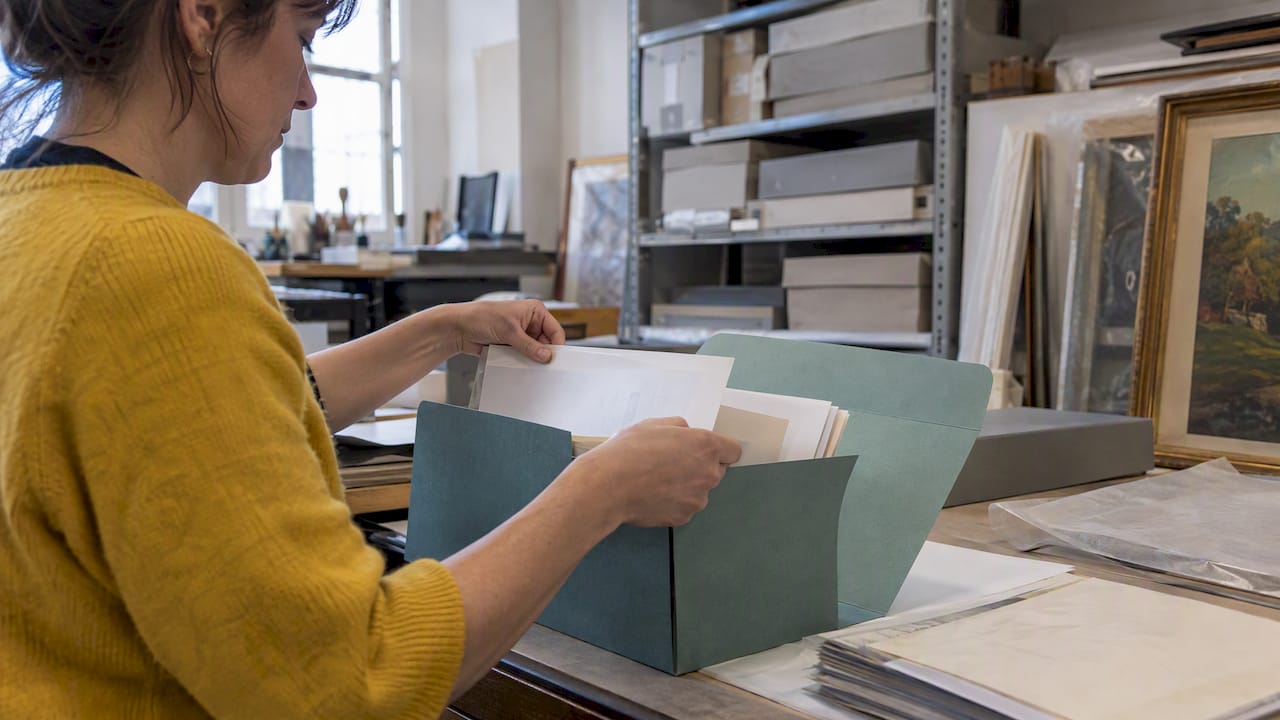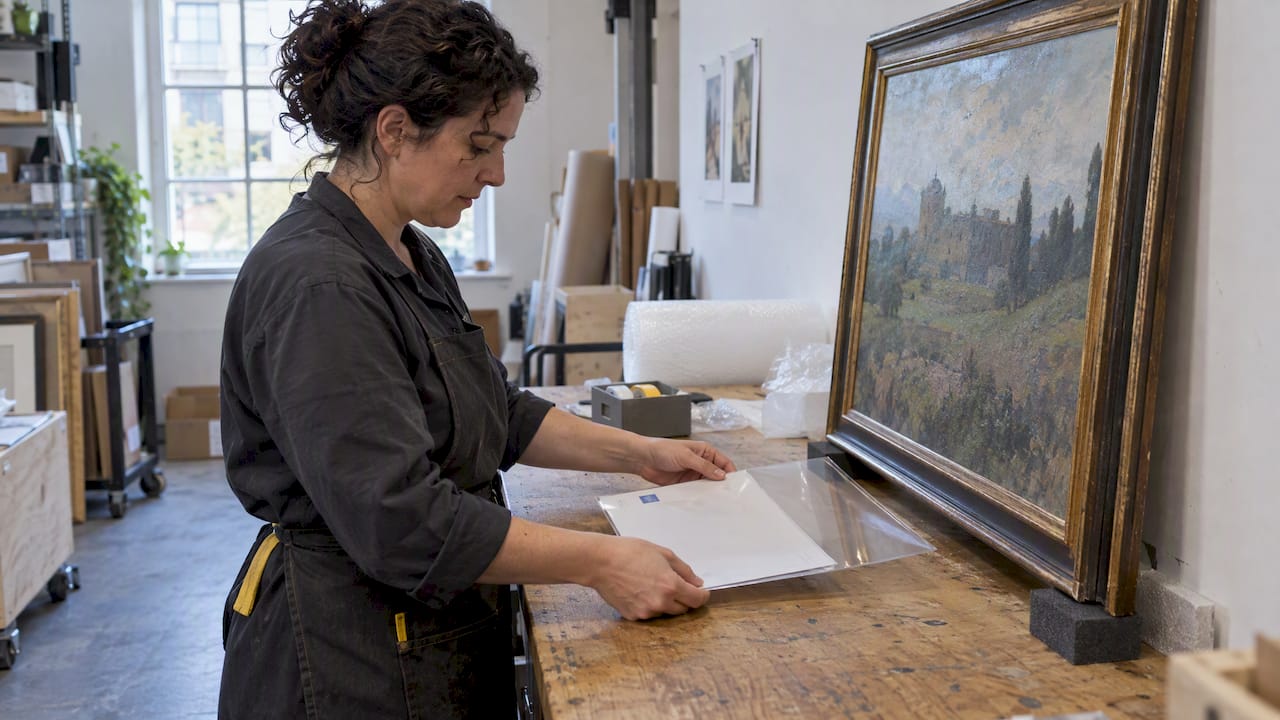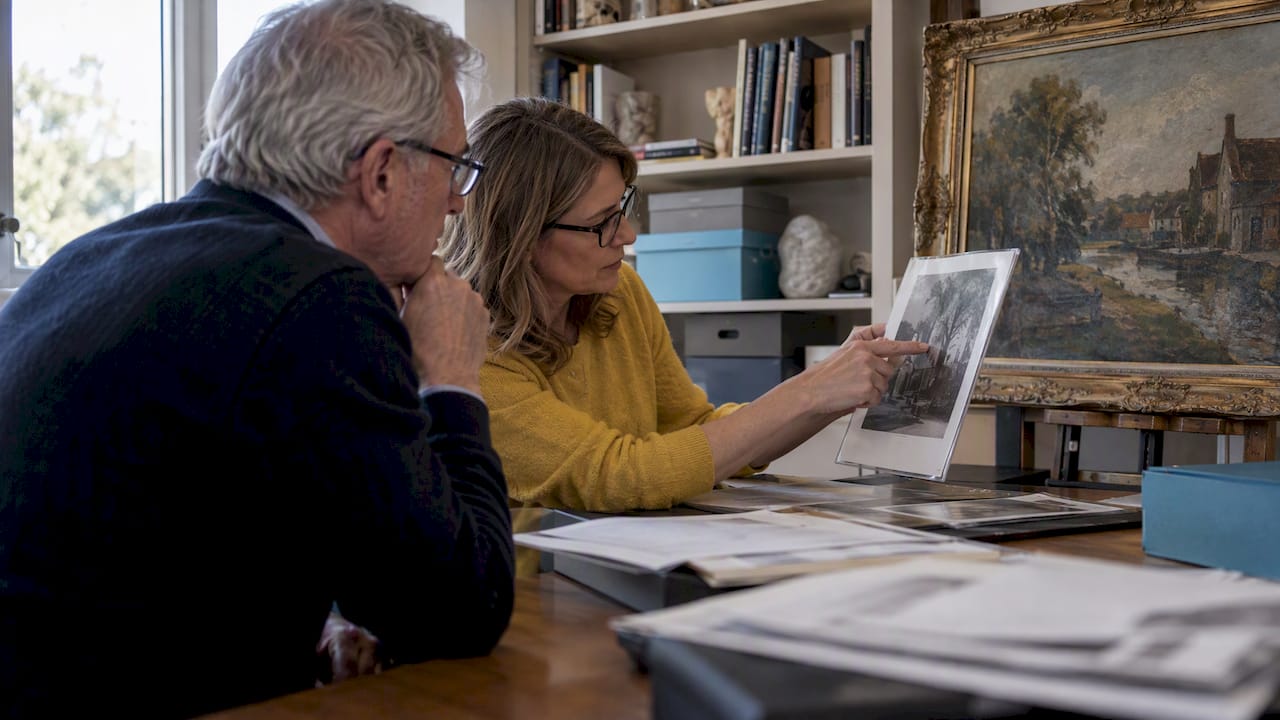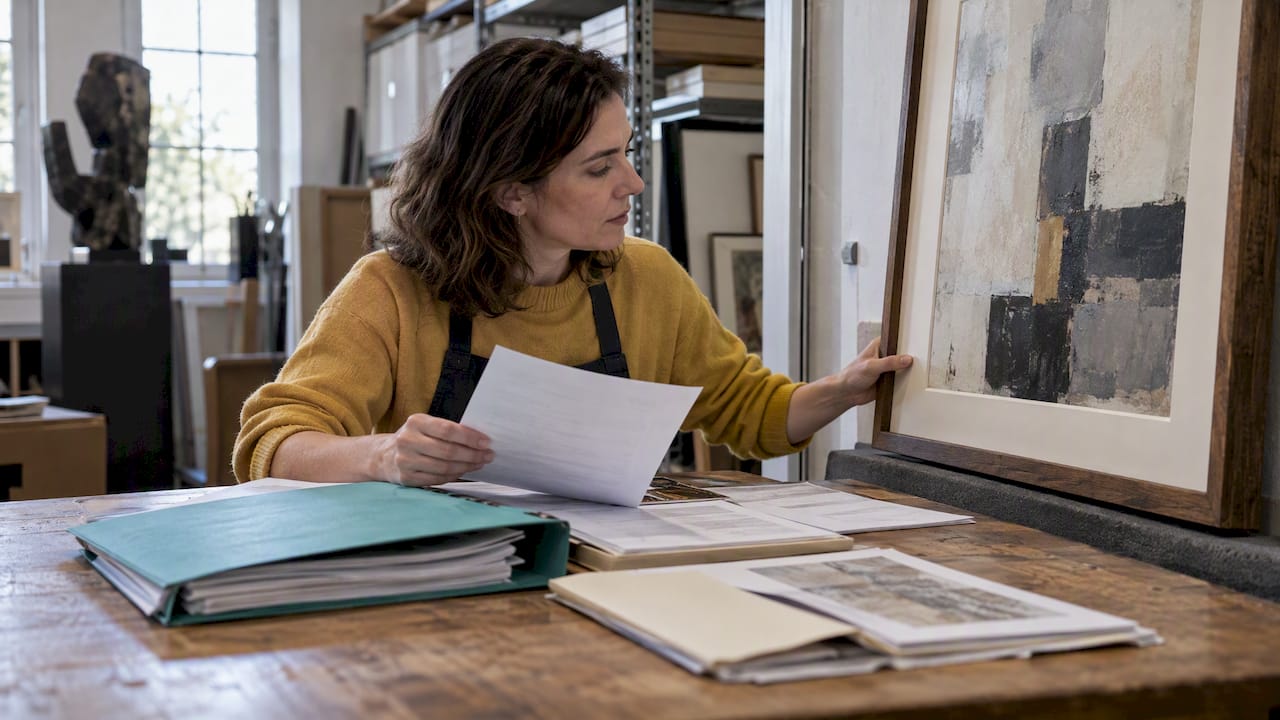

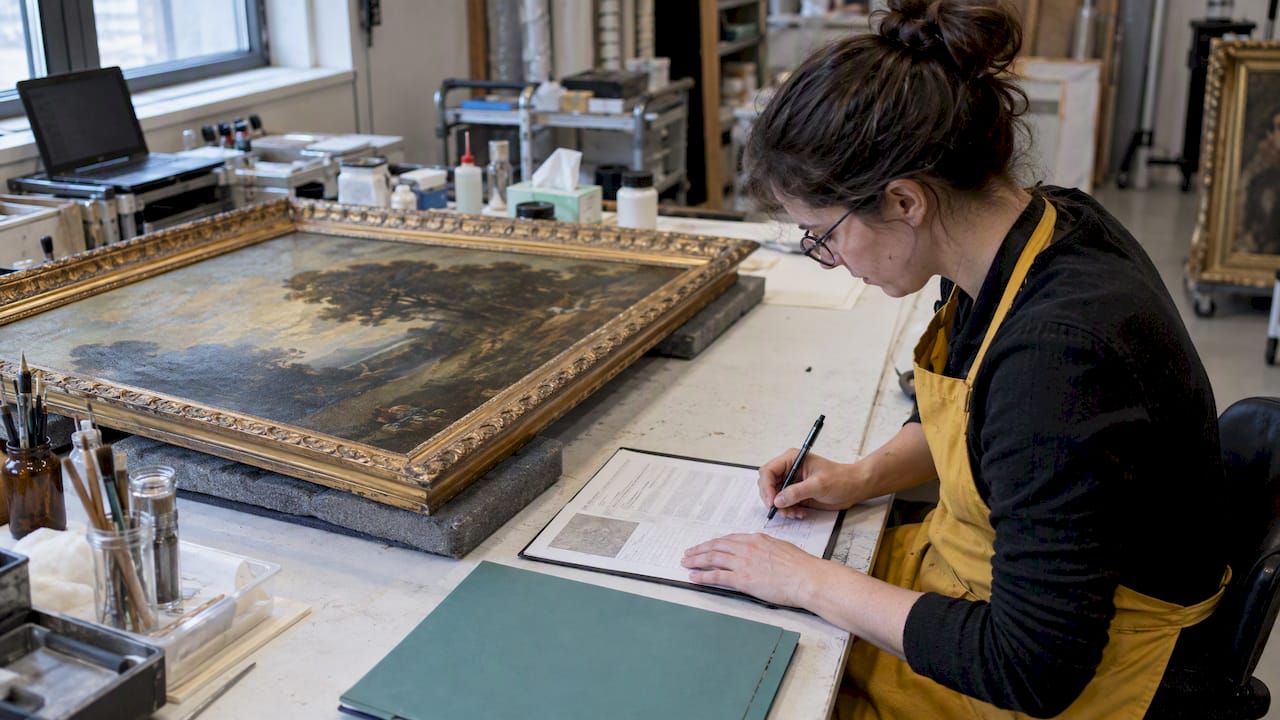
The quickest way to get a usable art report is to match the template to the job. Design libraries suit presentation and portfolio reports, while museum templates suit condition reports and loan records. Both come as editable DOCX or Google Docs files and shareable PDFs. Below you will find a copyable template and export tips.
TL;DR:
- A defensible condition report records the artwork’s identifying details, each issue’s location, description, severity, next action, provenance, movement history, and supporting photographs.
- Use one page for inventory or school work, but add photographs, signatures, provenance, valuation, and insurance fields when lenders or insurers need them.
- Keep editable DOCX or Google Docs files for collaboration, then send locked PDFs; use consistent filenames and store each collection’s reports and referenced photos together.
- Photograph the front, back, signature, and each issue from consistent angles with a scale bar; consult a conservator before handling active flaking, mold, or structural damage.
Table of Contents
- Where can you find art report templates?
- What fields belong in an artwork condition report?
- How do you customize a template for your purpose?
- Which file formats and print settings should you use?
- What does a copyable one-page art report template look like?
- What habits make art reports reliable over time?
- Why do templates matter for a collection workflow?
- How can Artworksoft help you create and manage art reports?
- FAQ
- Sources
Where can you find art report templates?
Start with the source that matches your task. Each one is built for a different kind of document.
- Design libraries: Canva report templates are free, printable and customizable, and suit school projects and portfolio presentations. Adobe Express offers dozens of online report layouts that are quick to edit.
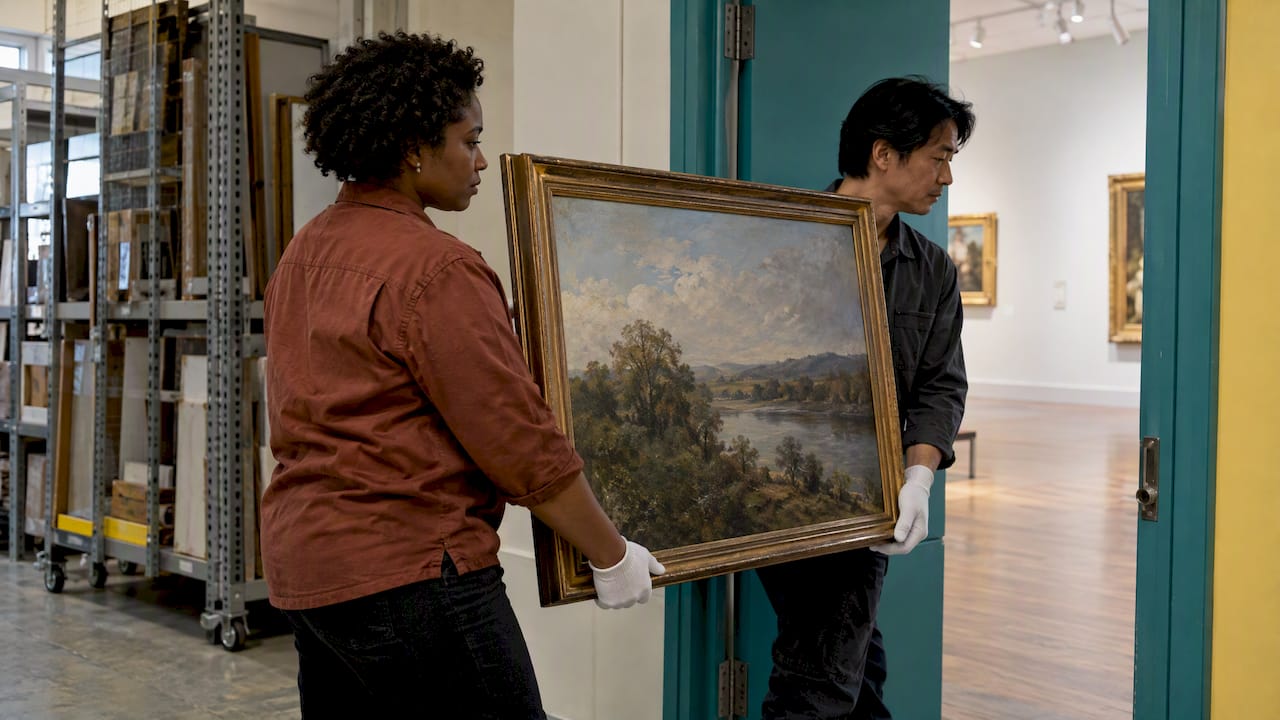
- Museum and conservation templates: The Smithsonian publishes a downloadable condition report template for examining artworks after newly acquired pieces arrive. Forms like this matter because they force you to record the same details every time.
- Printable inventory forms: A printable inventory report template covers item number, name, location, material and signed audit fields. It works well for fast cataloging.
If you need a polished presentation, pick a design library. If you need a record that holds up with a lender or insurer, pick a museum form. For a plain list of what you own, an inventory form is enough.
What fields belong in an artwork condition report?
A defensible report identifies the object, describes its condition and appearance, and records its history. Build the form around those.
The Joan Mitchell Foundation guide to creating a condition report walks through the process with companion templates, and it is a good model for the sections below.
- Identification: title, artist, date, dimensions, medium and inventory number.
- Condition: the location of each issue on the object, a detailed description, a severity rating and a recommended next action.
- Provenance and movement: prior owners, incoming and outgoing loan information, and custodial notes.
- Photographs: overall views plus close-ups of every noted issue.
For a shared vocabulary, see Basic Condition Reporting, a fifth-edition handbook that offers a standard vocabulary for condition reporting across many material types. It also includes chapters on paintings, frames and digital condition reporting, which helps when several people describe damage in the same collection.
For a longer walkthrough aligned with museum practice, our guide to a CCI-style art condition report covers it step by step.
How do you customize a template for your purpose?
A general template becomes an art document when you decide who will read it and what they need. Follow these steps.
- Choose a single page for quick inventory or school work, and multiple pages for loans and detailed condition work.
- Add labeled photo fields with consistent captions, and mark the location of each issue on the image.
- Include provenance, valuation and insurance fields only when the reader requires them.
- Add a version number, the preparer’s name and a signature area for loan and condition reports.
- Remove any section the audience will never use, so the form stays fast to complete.
A school report might keep only title, artist, medium and a short analysis. An exhibition loan needs every field plus signatures. If your report feeds an insurer, our checklist of art insurance documentation items shows what to attach.
Pro Tip: Save a blank master copy and fill in a duplicate for each artwork, so edits to one report never overwrite your template.
Which file formats and print settings should you use?
Choose the format by what happens next with the file.
- Use DOCX or Google Docs when collaborators need to edit. Use PDF for locked records you send to insurers or lenders.
- Export photos at a resolution suitable for print, and keep the original image files in your archive.
- Name files with a clear pattern such as collectionID_itemNo_date, and store them in one folder per collection.
- Before printing, check paper size, margins, full-bleed versus no-bleed layout and binding. A condition report with margin notes should leave room on every side.
A consistent naming rule matters more than it seems. Months later, it lets you find the right version without opening a dozen files.
What does a copyable one-page art report template look like?
Paste the fields below into Word or Google Docs. Each row gives a field and one sentence on what to write.
| Field | What to write |
|---|---|
| Item no. | The unique inventory number used everywhere |
| Title | The artwork’s title as the artist gave it |
| Artist | Full name, plus any known alias |
| Date | Year or range of creation |
| Dimensions | Height by width by depth, with units |
| Medium | Materials, such as oil on canvas |
| Condition summary | One short paragraph on overall state |
| Photo placeholders | Front, back, signature and each damage close-up |
| Notes | Handling, framing or display remarks |
| Preparer | The name of the person who examined the work |
| Date and signature | The examination date and a signature |
- Keep the condition summary to a few sentences, and put detail in the notes.
- Save the file with a version number each time it changes.
- Store the final PDF next to the photos it references.
If you want a ready-made layout, we also describe an art collection report format for small collections.
What habits make art reports reliable over time?
Small routines keep records useful for years. Use the same condition words and one simple severity scale, such as minor, moderate and severe, so two people describe the same scratch the same way.
Photograph from consistent angles and include a scale bar so size is clear. Keep the original image files. Give each artwork one unique identifier and use it in every system and document.
Know when to stop. If you see active flaking, mold, structural damage or anything you cannot explain, bring in a conservator or registrar before handling the piece further.
Pro Tip: Photograph a work before and after every move, using the same angles, so any change shows up side by side.

Why do templates matter for a collection workflow?
I see templates as the cheapest error prevention a collection has. When every report asks for the same fields, valuations, loans and insurance packets draw on the same facts instead of someone’s memory. The next step is a system that turns a template into a branded, versioned PDF with photos attached, so nobody retypes a thing. Adapt the sample above to your own needs; a form that fits your workflow gets used.
— Nealda
How can Artworksoft help you create and manage art reports?
Reports are faster when the data already lives in one place. We generate professional PDF documents, including asset reports and Certificates of Authenticity, and we track each work’s location and movement. You get branded templates and export-ready PDFs for lenders and insurers.
You can start on our free plan, or see what the Provenance Plan adds, from $5 per month, on our pricing page.
FAQ
Where can I find free templates for art reports?
Canva and Adobe Express both offer free, customizable report templates for school and business use. For condition reports, the Smithsonian and the Joan Mitchell Foundation publish downloadable forms and guidance.
Is there a report template in Word?
Yes. Copy the fields from the one-page template above into a Word or Google Docs file, then save it as DOCX for editing. Export a PDF when you need a locked copy to share.
What is the best template for an art condition report?
Use a museum-style form, such as the Smithsonian’s condition report template, because it records identification, condition and photos in a fixed order. Add loan or insurance fields only if the recipient asks for them.
What photos should I include in a condition report?
Include overall views of the front and back, the signature, and a close-up of every issue you note. Add a scale bar and keep the original files.
Sources
- Condition Report Template
- Creating a Condition Report for Artwork
- Basic Condition Reporting
- PRINTABLE INVENTORY REPORT TEMPLATE