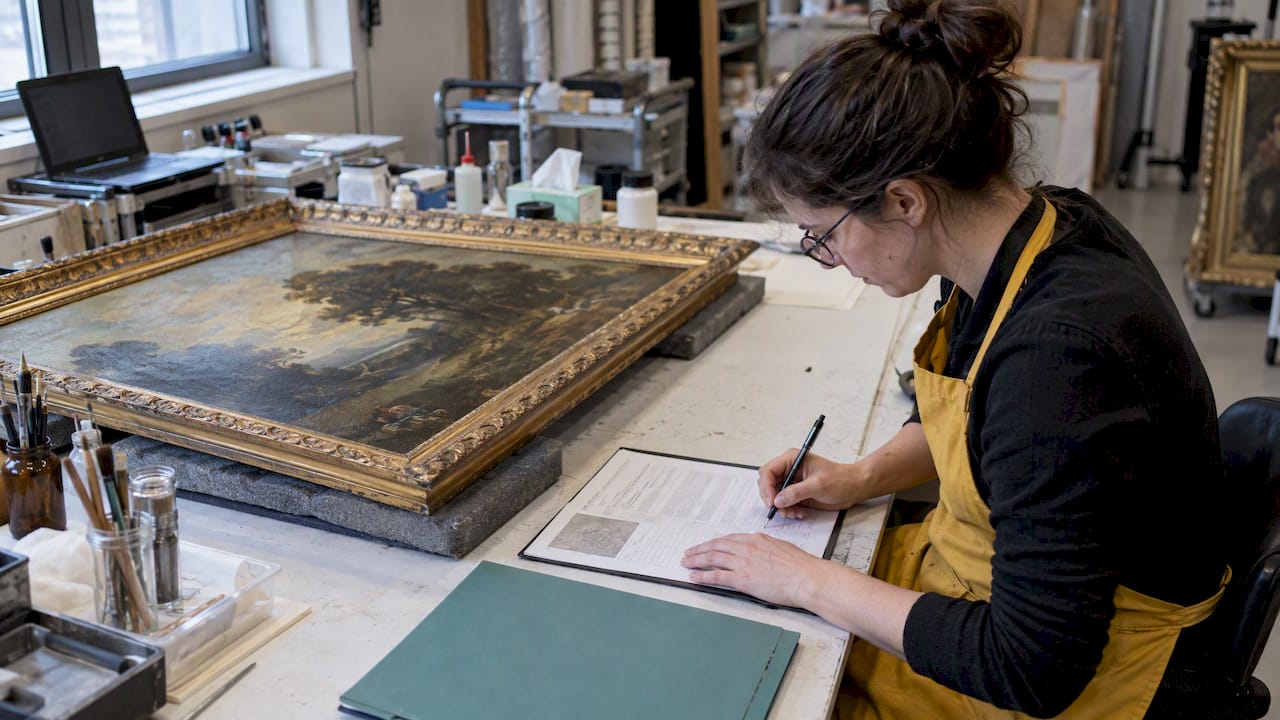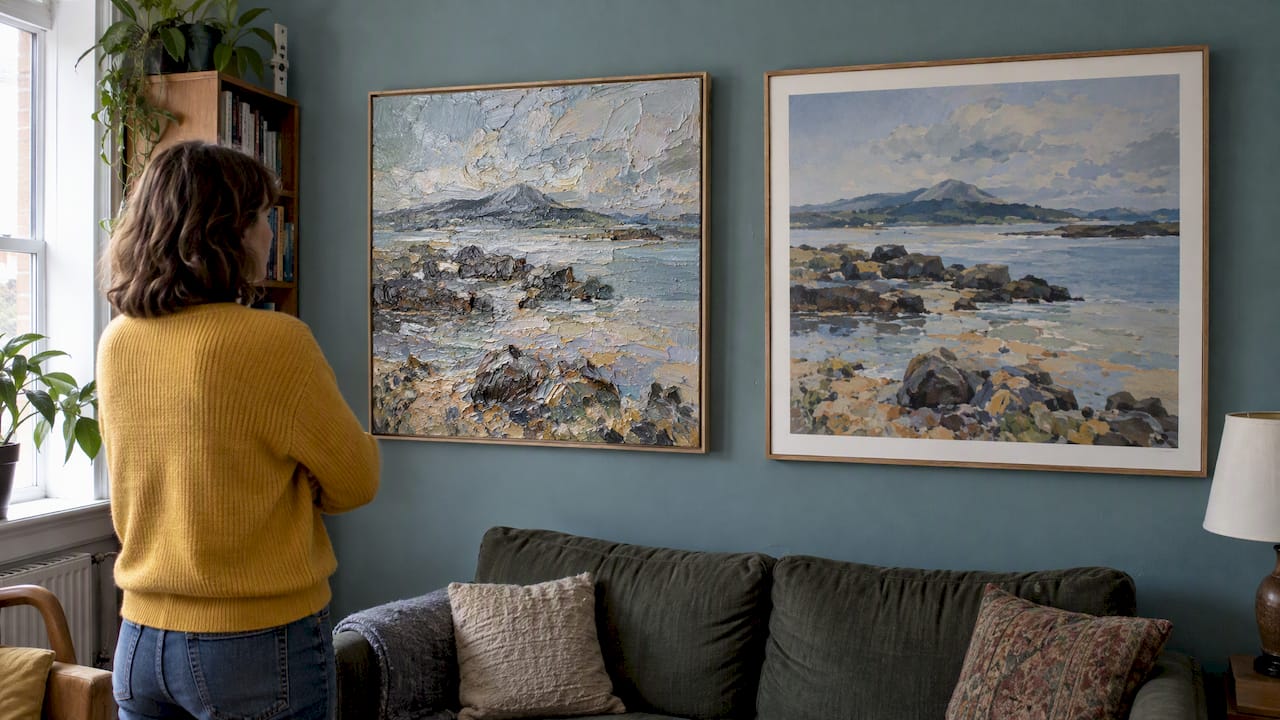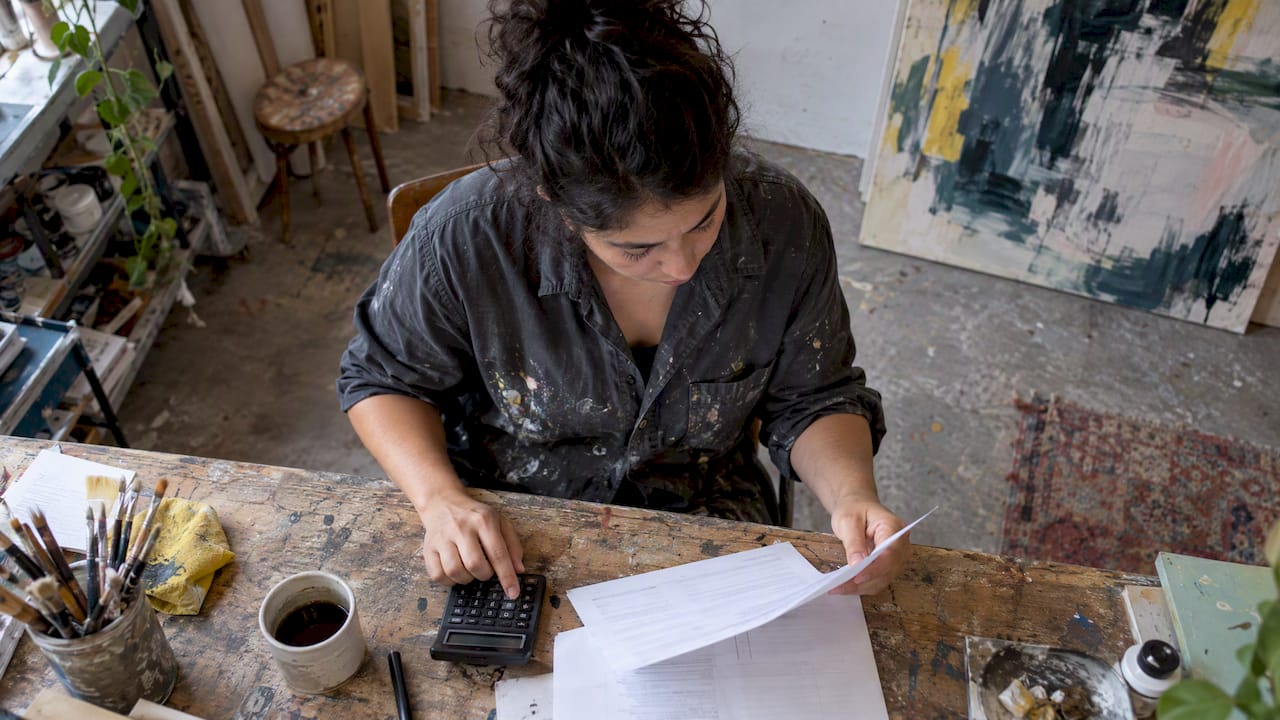
Give each work a short, evocative title, add a brief parenthetical only when it clarifies, and name the image file lastname_title_year_medium_dimensions.ext. That single pattern covers wall labels, gallery forms and archives. Artworksoft’s artwork profiles store the title and matching filename fields.
TL;DR:
- Use title case and italics for artwork titles; give untitled works a descriptive name unless Untitled is intentional, and identify titles assigned by someone else.
- Format labels as artist, italicized title, date, medium, and dimensions; list measurements as height by width by depth in the units the venue requests.
- Keep artist credits and edition numbers consistent across forms and labels; show editions as 3/20 on labels and ed3of20 in filenames.
- Use lowercase ASCII filenames with underscores, a four digit year, and detail tags; keep them under about 50 characters, unless a gallery requests another pattern.
- For multilingual titles, preserve the original in the master record, store translations separately, and use one consistent translation after the italicized original on labels.
Table of Contents
- Why do artwork titles matter beyond how they sound?
- How should you format titles on labels and in listings?
- How do you come up with a meaningful title?
- What does a good artwork filename look like?
- What do galleries and exhibitions expect for submissions and labels?
- What should you check before finalizing a title and file?
- How do you title work in more than one language?
- Why does consistent naming change how you work?
- How does Artworksoft apply these conventions for you?
- FAQ
- Sources
Why do artwork titles matter beyond how they sound?
A title is a frame. Research on visual interpretation describes titles as a linguistic frame that shapes how viewers read an image, and it sorts titles into nominative, semantic and seductive types. When the title and the image pull in different directions, the viewer feels tension, which you can use on purpose or stumble into by accident.
Titles also carry authority. Historically, many titles came from dealers and curators, and when a work is left untitled, scholars, critics and collectors often ascribe one. Titling your own work keeps that interpretive control with you.
There is an administrative side too. A title travels into several places:
- Exhibition labels and printed catalogs
- Sale, loan and insurance records
- Provenance files that registrars and collectors rely on years later
- Online listings, where search engines index the exact words
If the same piece appears as “Horizon,” “Horizon (after rain)” and “Untitled #4” across those records, a registrar has to guess whether they are one work or three. Settle the title once and reuse it everywhere.
How should you format titles on labels and in listings?
Professional exhibition labels follow a fixed order: Artist, Title in italics, Date, Medium or materials, then Dimensions. The Philadelphia Museum of Art’s guidelines describe this order as the standard that gives viewers essential context while keeping an installation consistent. Give dimensions in both inches and centimeters when your venue shows both.
Standard tombstone order: Artist, Title, Date, Medium, Dimensions.
Editorial style matters too. Chicago-style guidance italicizes and capitalizes titles of individual works of art in running text, and it notes exceptions for AP news style and certain ancient works. Use title case for the title you chose, such as Horizon After Rain.
A few conventions to keep straight:
- Ascribed titles: if someone else named the work, mark that fact. MLA guidance notes that ascribed titles are styled differently from artist-given ones.
- Constructed titles: if a work has no formal title, the Getty’s Categories for the Description of Works of Art advises writing a descriptive title rather than defaulting to “Untitled,” unless you intentionally assigned that name. Record whether the artist or another party gave the title.
- Intentional “Untitled”: if you choose it, add a descriptive phrase in parentheses, such as Untitled (blue field), so records stay distinct.
How do you come up with a meaningful title?
Start by deciding what the title should do. A nominative title identifies, as in Self-Portrait with Cat. A semantic title adds meaning, as in What the River Kept. A seductive title pulls the viewer in, as in Nobody Told the Moon. Most strong titles lean on one type and borrow a little from another.
Then run these exercises in the studio:
- Sensory anchor: pick the dominant sense in the piece (the smell of rain, the hum of a refrigerator) and build the title around that word.
- Phrase swap: write a plain title, then replace one noun with an image word. Field at Dusk becomes Field of Embers.
- Place plus emotion: pair a location with a feeling, such as Harbor, Unforgiving.
- Temporal tag: add a season or year when time is part of the idea, such as Orchard, Late October.
- Series numbering: keep a shared root and number the works, such as Tidal Study 01, Tidal Study 02.
Ready templates you can adapt:
- Short noun plus parenthetical detail: Horizon (after rain)
- Evocative phrase: The Weight of Morning
- Series_Title_01: Tidal Study 01
- Place plus emotion: Quarry, Quiet
- Question or fragment: If the Light Stays
Pro Tip: Write the title on a mock tombstone label and read it aloud as if you were presenting it in a catalog. If it sounds clumsy or too long, trim it.
What does a good artwork filename look like?
A filename is a record, so it needs the same discipline as a title. The University of Oregon Libraries file-naming guide recommends including the artist’s last name, a shortened title, the year in YYYY format, a medium code and identifiers, and it gives a basic structure for a single artwork: lastname_title_year_medium_dimensions_filetype.ext. It also says to avoid spaces and special characters and to keep names under about 50 characters.
Order matters because files sort alphabetically. Leading with the last name groups all your work together, and the year then sorts a series chronologically.
| Situation | Example filename |
|---|---|
| Single artwork | smith_horizon_year_oil_dimensions.jpg |
| Series piece | smith_tidalstudy_series_oil_dimensions.jpg |
| Detail shot | smith_horizon_year_oil_detail.jpg |
| Edition | smith_nightmarket_year_print_ed3of20.jpg |
| Installation view | smith_horizon_year_installation.jpg |
Technical rules to follow:
- Use underscores instead of spaces, and keep everything lowercase.
- Skip apostrophes, ampersands and accents.
- Use YYYY dates so files sort correctly.
- Add “detail,” “installation” or a version tag to avoid duplicates.
Museum registrars work the same way. The Blanton Museum of Art’s guide uses underscore delimiters and descriptors such as “detail” or “installation” so no two images share a name and each can be traced to its object.
Clean names pay off in batch work. When filenames carry the data, bulk imports can fill in fields automatically, and our guide to batch uploading artworks using filenames shows how that works. A consistent naming scheme also supports digital archiving, because your files stay searchable decades later.
What do galleries and exhibitions expect for submissions and labels?
Many galleries ask for a specific filename pattern. Headwaters Arts, for example, requests the artist name, title, medium and size in inches, as in JohnSmith_TheShadowsofSummer_Acrylic_36x30x1.5.jpg. Always follow the call’s instructions when they differ from your own template, and keep your archive version separate.
Label length is another limit to respect. Getty’s museum educator guide suggests short, focused object labels, with rough word-count ranges and a maximum for small text blocks. Aim for the low end for a tombstone plus a few lines of context.
For metadata and labels:
- Collaborations: list every artist in the credit line, in the same order on the label and in the form.
- Editions: write the edition as “3/20” in the label and ed3of20 in the filename.
- Ascribed titles: flag them in the submission notes so the registrar records the source.
- Sizing: give height by width by depth, in the unit the form requests.
Prepare images before the deadline. Our guide on photographing artwork for inventory covers sizes and file prep, and our overview of online exhibition formats explains common file and metadata requirements.
What should you check before finalizing a title and file?
Run through this list before you upload anything:
- Confirm that you, the artist, own the final title, and note any ascribed one.
- Check italics and capitalization on the label text.
- Confirm the date format is YYYY everywhere.
- Make sure the filename uses underscores and no special characters.
- Add metadata and provenance notes, including condition and location.
- Save a master TIFF under the archival filename, then export JPEGs for submissions.
Copy-ready examples:
- Tombstone: Maria Smith, Horizon (after rain), date, oil on canvas, dimensions
- Filename: smith_horizon_year_oil_dimensions.jpg
If you store works in climate-sensitive spaces, add conservation notes to the record. Guidance on protecting artwork from sunlight is a useful starting point for what a condition report might mention.
How do you title work in more than one language?
Choose one original title and treat it as the record of truth. A translation is a courtesy to the viewer, not a replacement, so store the original title in your master record and add translations in a separate field.
On labels, show the original title in italics, followed by the translation in parentheses and roman type. For example: La Pluie Après Midi (Afternoon Rain). That way readers see your words first and the meaning second.
Some practical points:
- Keep filenames in plain ASCII letters. Drop accents and non-Latin characters, so ñ becomes n, even when the title itself keeps them.
- Pick one translation per language and use it everywhere, because a second version creates a second record.
- Translate for sense, not word for word, when the title depends on a pun or idiom. Add a short note when meaning would otherwise be lost.
- When a foreign term has no good equivalent, keep it and explain it in the label text, as Getty’s label guidance recommends for translated foreign terms.
Record the language of the original in your metadata, so a registrar or buyer knows which version is authoritative.
Why does consistent naming change how you work?
Naming looks like housekeeping until a gallery asks for a group of images on a deadline. A studio that names things the same way every time can upload in minutes, answer a loan request with confidence and show a clear trail from studio to collector. My view is that the title is part of the work, so it deserves the same care as the surface, and that a filename deserves the same care as a signature.
— Nealda
How does Artworksoft apply these conventions for you?
We built Artworksoft so the naming habits in this guide become a workflow. Each artwork profile holds the title, date, medium and dimensions, so one entry feeds your labels, your listings and your records. Our artwork profile management keeps artwork information together, and we generate documents such as Certificates of Authenticity. Provenance tracking and movement logs then follow each piece through sales and loans.

You can start on the Free Plan at Artworksoft, or look at our onboarding and collection management services if you would rather have help setting up your records.
FAQ
Do I italicize the name of an artwork?
Yes, in running text and on labels, titles of individual works are italicized and capitalized, according to Chicago-style guidance. Exceptions include AP news style and certain ancient works.
How do you label artwork for an exhibition?
Use the standard tombstone order: Artist, Title in italics, Date, Medium, then Dimensions. The Philadelphia Museum of Art guidelines describe this order, and keeping it consistent across a show helps viewers.
What should I do if my work has no title?
Give it a short descriptive title instead of defaulting to “Untitled,” unless you intend that name. Record whether you or someone else assigned it.
How long should an artwork filename be?
Keep it under about 50 characters, using underscores instead of spaces and no special characters, as the University of Oregon guide advises. Shorter names also survive upload systems that truncate long ones.
Sources
- General Guidelines
- Titles or Names 🔺 | Categories for the Description of Works of Art
- Titles of Works • Editorial Style Guide • SUNY Purchase