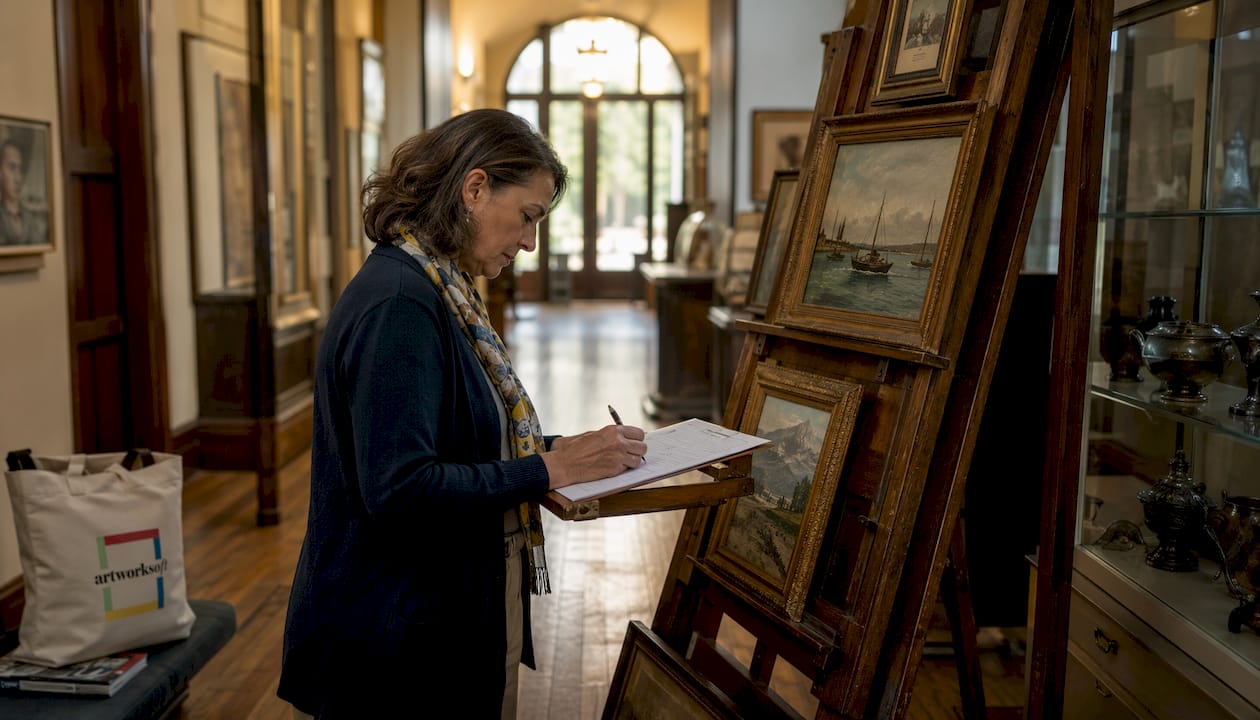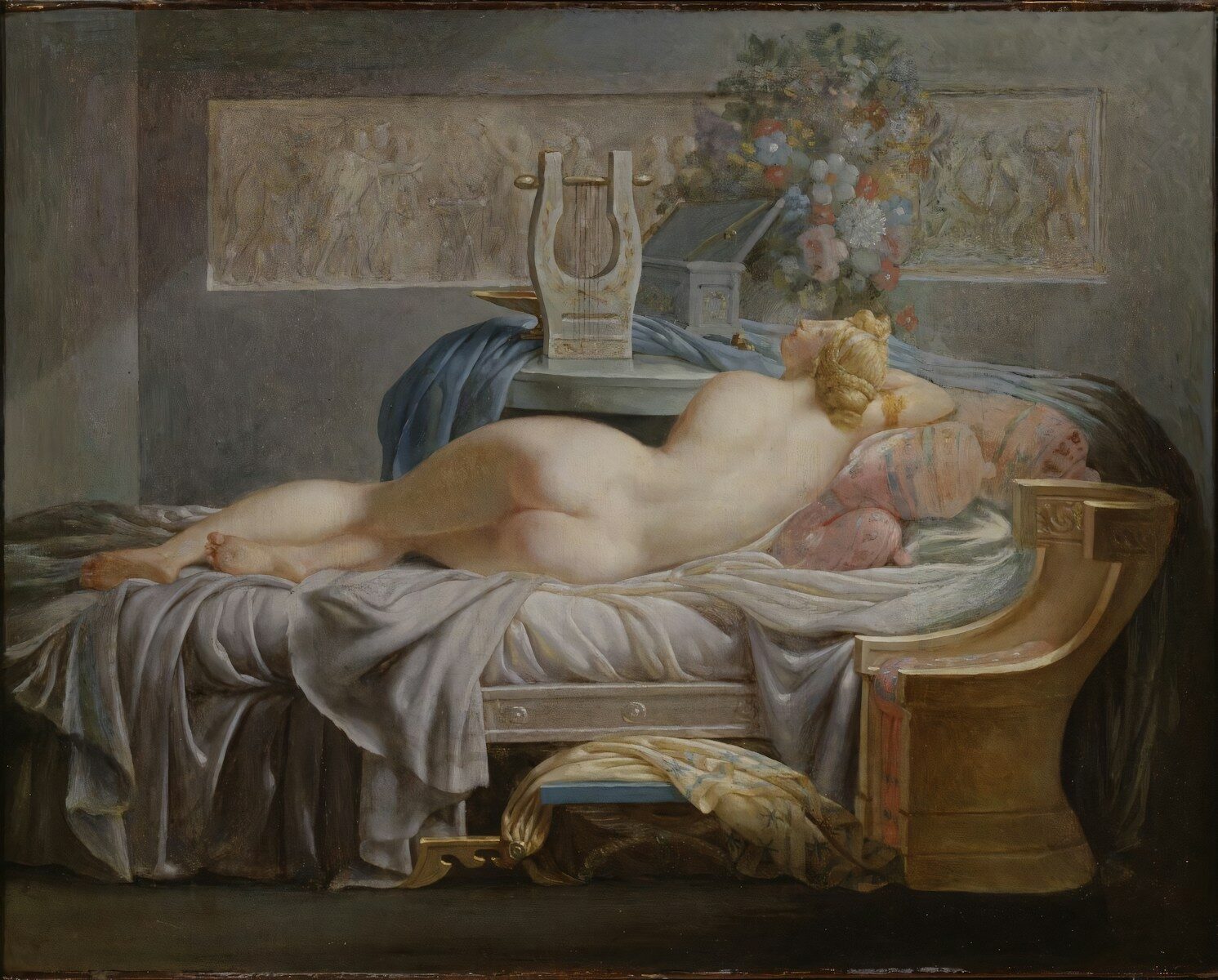
A professional art portfolio is a curated collection of an artist’s strongest work, selected to demonstrate skill, style, and creative development to a specific audience. Known in the industry as a “presentation portfolio” or “artist portfolio,” it serves as the primary tool for securing gallery exhibitions, freelance clients, academic admissions, and professional commissions. Platforms like Behance, ArtStation, and Squarespace have made portfolio presentation more accessible than ever. Whether physical or digital, a well-built portfolio is not a random archive. It is a focused argument that you are the right artist for the opportunity.
What is a professional art portfolio made of?
A professional art portfolio contains 10–15 curated pieces rather than every work you have ever made. That number is not arbitrary. Curators and art directors review dozens of portfolios at a time, and a tightly edited selection signals confidence and self-awareness. Quality always outranks quantity.
The core elements of a strong portfolio include:
- Curated artwork selection: Choose pieces that reflect your best technical ability and clearest artistic voice. Remove anything you feel uncertain about.
- Consistent style or thematic narrative: Portfolios with consistent themes receive 40% more positive feedback from art directors and curators. Consistency tells a story about who you are as an artist.
- High-quality images: Each file should be under 10 MB and at least 1,500 pixels on the longest side. Blurry or poorly lit images undermine even excellent work.
- Artist statement: Keep it 2–4 sentences that summarize your practice, focus, and direction. Busy curators will not read a paragraph.
- Contact information and project metadata: Include title, medium, dimensions, and year for every piece. Missing metadata is one of the most common and costly mistakes emerging artists make.
- Process work: Sketches, time-lapses, and work-in-progress images build trust and authenticity with clients and galleries. They show how you think, not just what you produce.
Pro Tip: Never use generic file names like “image001.jpg.” Name every file with your name, title, and year, such as “JaneDoe_RedSeries_2025.jpg.” This matters when files are downloaded by a gallery or client.
Avoid the common mistake of including older work just to fill space. A portfolio with eight exceptional pieces outperforms one with twenty average ones every time.

Digital vs. physical art portfolio: which one do you need?
The format of your portfolio depends directly on your audience and goal. Physical and digital portfolios each serve distinct purposes, and many working artists maintain both.
| Format | Best for | Key advantages | Limitations |
|---|---|---|---|
| Physical portfolio | Gallery visits, in-person interviews, fine art clients | Tactile presence, shows scale and texture | Limited reach, costly to produce |
| Digital portfolio | Online applications, global clients, social media | Global access, SEO visibility, easy to update | Requires image optimization and maintenance |
| Hybrid portfolio | Versatile professional use | Combines reach with physical impact | Requires effort to keep both versions current |
A personal portfolio website gives artists complete control over branding, SEO, and presentation. That control matters when you are targeting high-value clients who will judge your professionalism before they ever see your work. Social media profiles like Instagram are useful for visibility, but they do not replace a dedicated site.
ArtStation is the professional standard for game art, concept art, and illustration. Behance works well for broader creative fields. Squarespace and Pixpa offer more design control for artists who want a branded personal site. The right platform depends on your discipline and the clients you want to reach.
How to create and organize your art portfolio to attract clients
Portfolio organization is where most emerging artists lose opportunities. A well-organized portfolio significantly improves your chances in competitive selection processes. The order and flow of your work shapes the impression you leave.
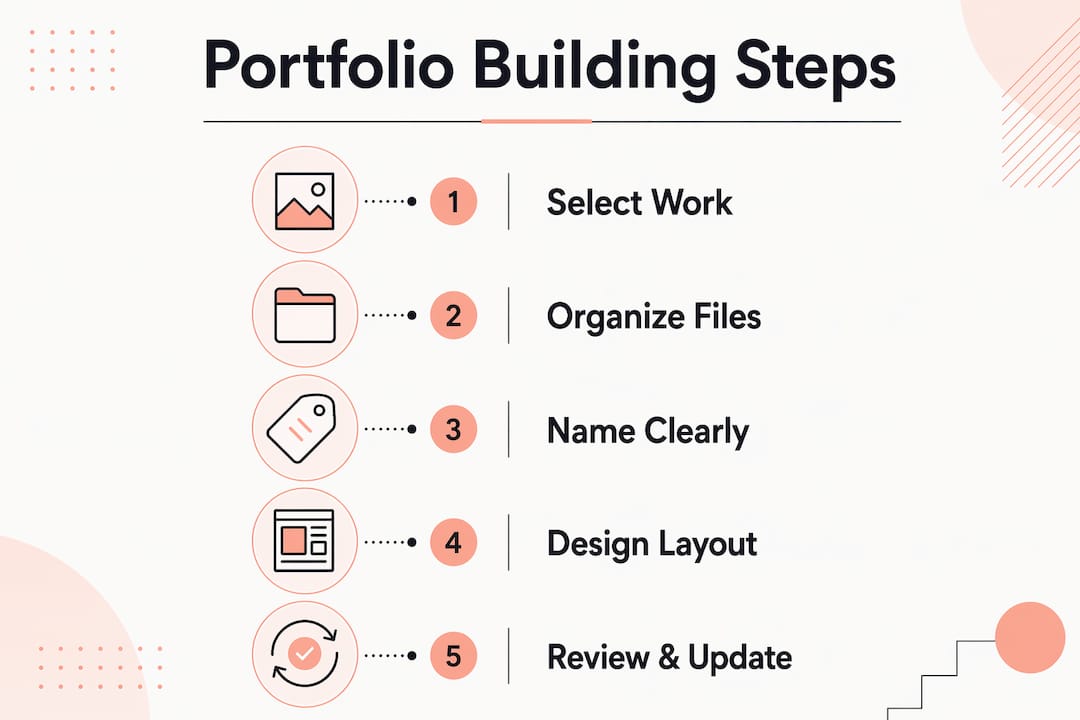
Follow these steps to build a portfolio that works:
- Define your goal first. Are you targeting gallery representation, freelance clients, or art school admissions? Each audience expects a different emphasis. A gallery wants to see a cohesive body of work. A commercial client wants to see range and problem-solving.
- Lead with your strongest piece. The first image sets the tone. Do not save your best work for the middle.
- Build a thematic or visual flow. Group works by series, medium, or color palette so the viewer experiences a progression, not a random shuffle.
- Write brief project descriptions. Portfolios increasingly function as storytelling tools that explain the problem, approach, and result behind each piece. Two to three sentences per project is enough.
- End with a memorable piece. The last image is what viewers carry with them. Choose something that reinforces your artistic identity.
- Update every three to six months. Replace weaker pieces as your work improves. A portfolio that reflects work from three years ago signals stagnation.
- Apply basic SEO to your digital portfolio. Use descriptive page titles, alt text on every image, and keywords in your artist statement. Search engines index portfolio sites, and discoverability matters.
Pro Tip: Ask a trusted peer or mentor to review your portfolio before sending it out. Fresh eyes catch inconsistencies in flow and quality that you will miss after staring at your own work.
Proper artwork profile management keeps your records accurate as your portfolio evolves. Tracking which pieces are in which version of your portfolio prevents the confusion of sending outdated work to a client.
What digital tools help you build a strong art portfolio?
The right tools reduce the time you spend on administration and increase the time you spend making work. These are the platforms and features worth knowing:
- Squarespace: Offers clean templates, built-in SEO tools, and eCommerce integration for selling prints or originals directly from your portfolio site.
- ArtStation: The industry standard for game art, concept art, and professional illustration. Widely used by studios and recruiters.
- Behance: Owned by Adobe, it connects artists with a large creative community and integrates with Creative Cloud applications.
- Pixpa: Designed specifically for photographers and visual artists, with client gallery and eCommerce features built in.
- Weblium: A website builder with fast load times and drag-and-drop design, suited for artists who want a simple setup without coding.
Beyond presentation platforms, art inventory and management tools help artists track which pieces are in their portfolio, where physical works are located, and how each piece is documented. Artworksoft provides this layer of organization. It connects artwork records, locations, and transaction history in one place, so your portfolio always reflects accurate, current information.
A personal website built on Squarespace or Pixpa handles the public-facing presentation. Artworksoft handles the back-end record keeping. Together, they cover the full professional workflow from creation to sale.
Image optimization matters as much as design. Keep files under 10 MB with a minimum of 1,500 pixels on the longest side. Slow-loading portfolios lose viewers before they see your work.
Key Takeaways
A professional art portfolio is a curated, organized presentation of your best work, built to communicate your skills, style, and direction to a specific audience.
| Point | Details |
|---|---|
| Curation over volume | Limit your portfolio to 10–15 strong pieces; quality outperforms quantity every time. |
| Consistency builds credibility | Portfolios with a clear thematic narrative receive significantly more positive feedback from curators. |
| Format matches audience | Use digital portfolios for global reach and physical portfolios for in-person gallery or client meetings. |
| Process work adds trust | Including sketches and time-lapses shows your methodology and builds authenticity with clients. |
| Regular updates are required | Refresh your portfolio every three to six months to reflect your current best work. |
What I have learned from watching artists build their first portfolios
The biggest mistake I see emerging artists make is treating their portfolio as a storage folder rather than a professional document. They include everything because they are afraid of leaving something out. That fear works against them. A portfolio that tries to show everything ends up communicating nothing clearly.
The second mistake is ignoring the viewer’s experience. Portfolios that balance artistic expression with clear communication consistently outperform those that prioritize personal preference over audience needs. You are not building a portfolio for yourself. You are building it for the person on the other side of the screen or the desk.
Process documentation is the most underused tool in an emerging artist’s kit. Clients and galleries want to understand how you work, not just what you produce. A single time-lapse or a page of development sketches tells a more compelling story than five finished pieces with no context.
Start building your portfolio now, even if you feel your work is not ready. The act of curating forces you to evaluate your own development honestly. Update it continuously. The artists who treat their portfolio as a living document, not a one-time project, are the ones who stay competitive.
— Nealda
How Artworksoft supports your portfolio and art management
Managing a professional portfolio goes beyond choosing the right images. You also need accurate records of every piece, including its location, valuation, and documentation history.
Artworksoft is built for exactly this. The platform lets you manage your art inventory with full documentation, track where each physical work is located, generate Certificates of Authenticity, and maintain a complete record of sales and transactions. For emerging artists building their first professional presence, Artworksoft removes the administrative burden so you can focus on the work itself. Start with the free art inventory system and see how organized records change the way you present and sell your work.
FAQ
What is a professional art portfolio?
A professional art portfolio is a curated selection of an artist’s best work, organized to demonstrate skill, style, and creative direction to galleries, clients, or admissions panels. It typically includes 10–15 pieces, an artist statement, and project metadata.
How many pieces should an art portfolio contain?
An effective portfolio contains 10–15 curated pieces. Including more work dilutes the impact and signals a lack of editorial judgment to reviewers.
What is the difference between a digital and physical art portfolio?
A digital portfolio offers global reach, SEO visibility, and easy updates, while a physical portfolio provides tactile presence suited for in-person gallery visits and certain client meetings. Many professional artists maintain both formats.
What should I include in my artist statement?
Your artist statement should be 2–4 sentences that describe your practice, your primary focus, and your creative direction. Keep it direct and free of abstract language so curators and clients can read it quickly.
How often should I update my art portfolio?
Update your portfolio every three to six months. Replace weaker pieces as your work develops and remove anything that no longer represents your current skill level or artistic direction.